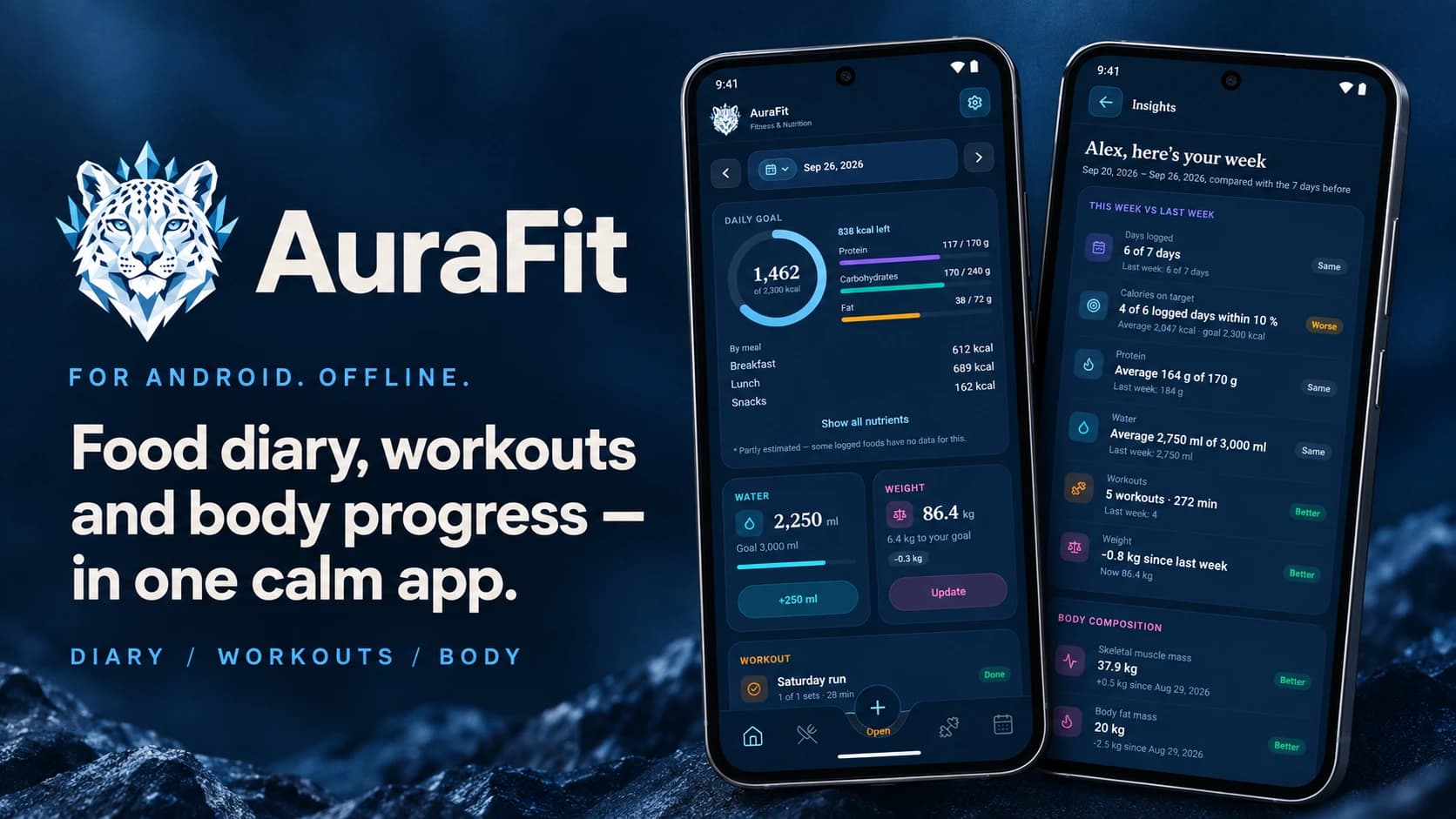

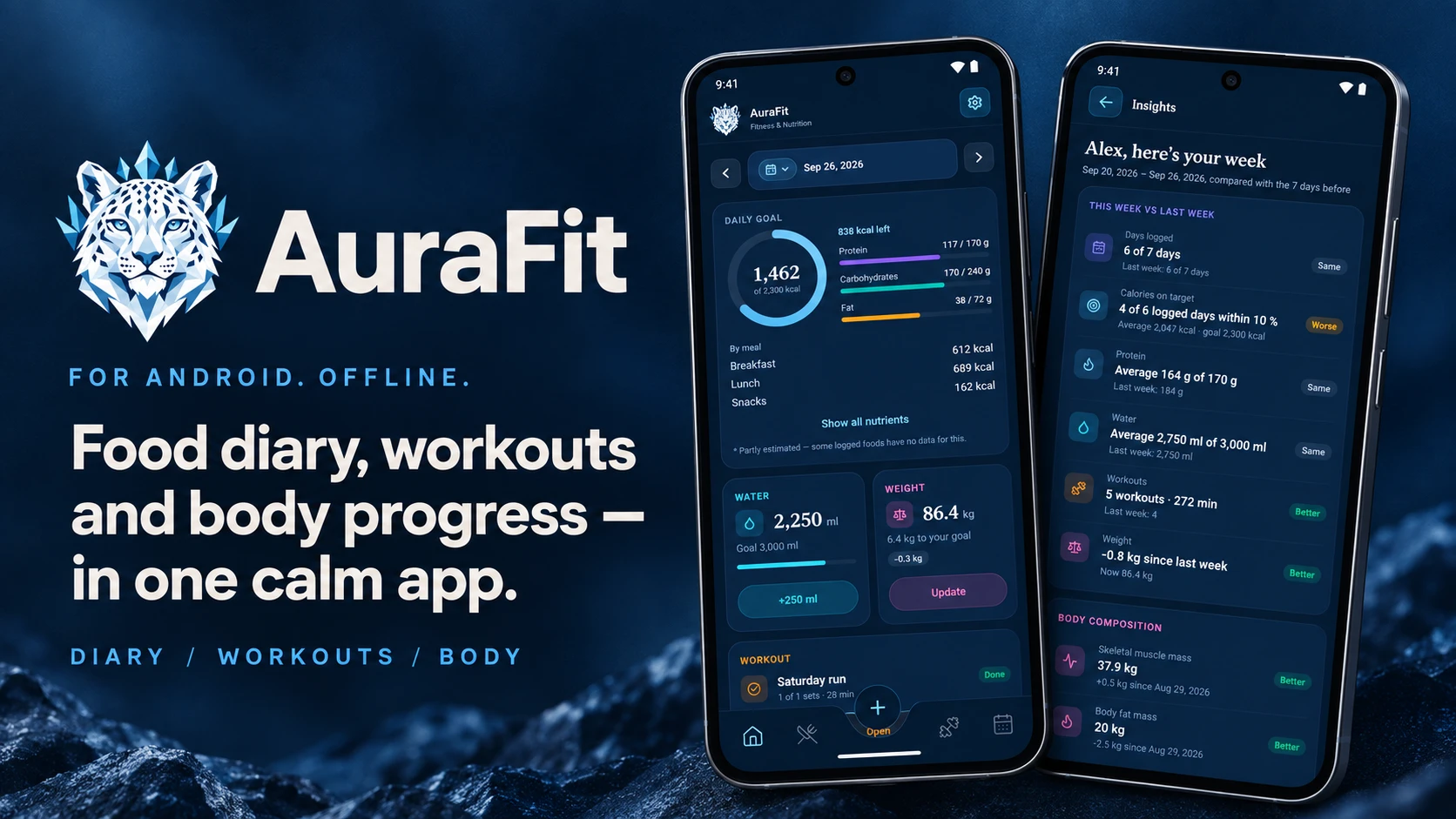
Food diary, workouts and body progress — in one calm app.
For Android, in English and Arabic. Your diary stays on your phone.
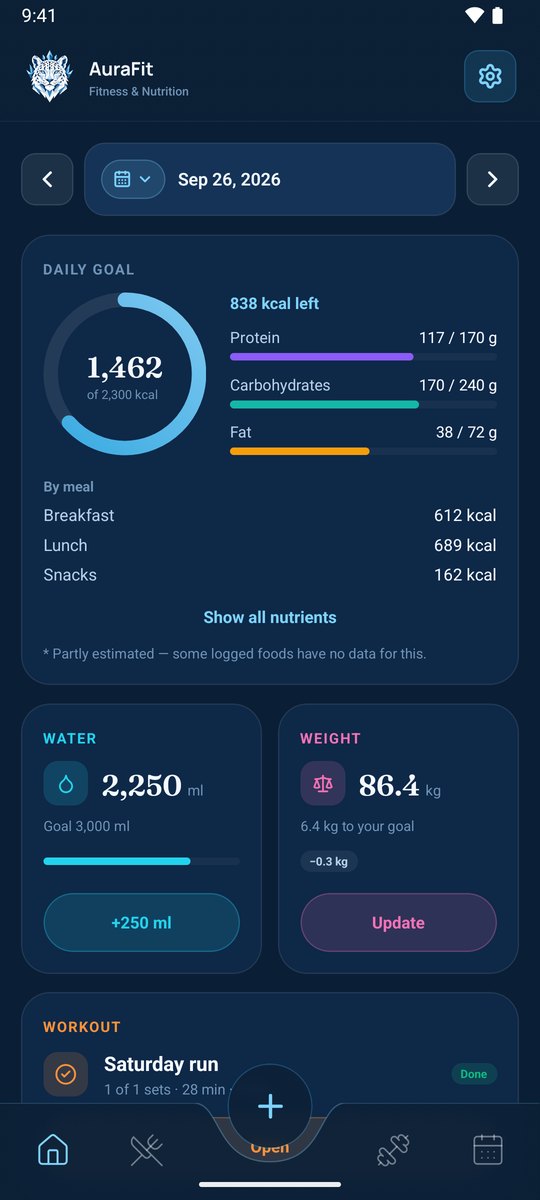
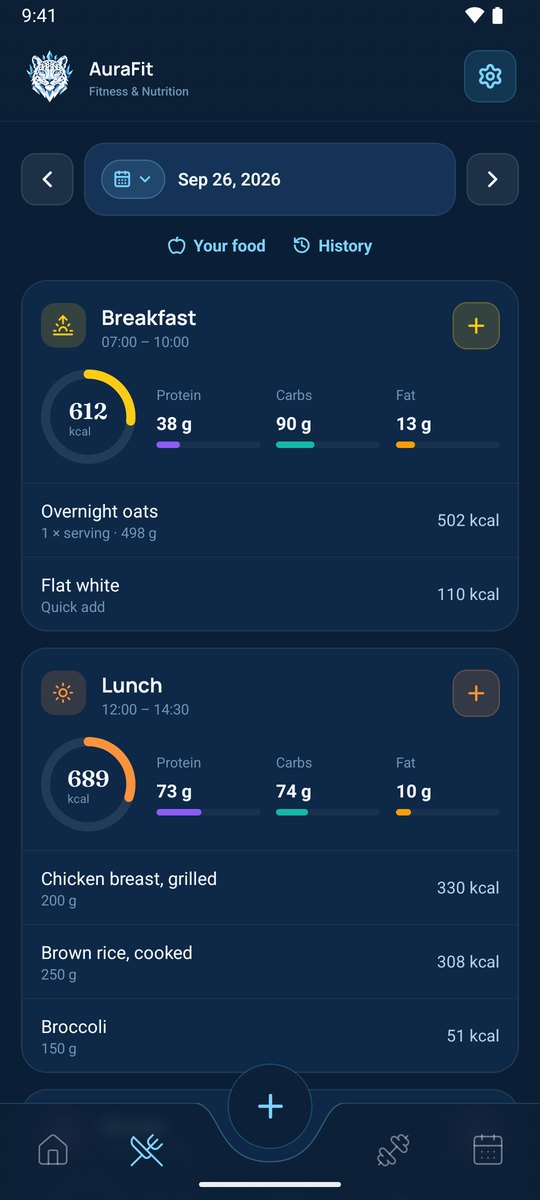
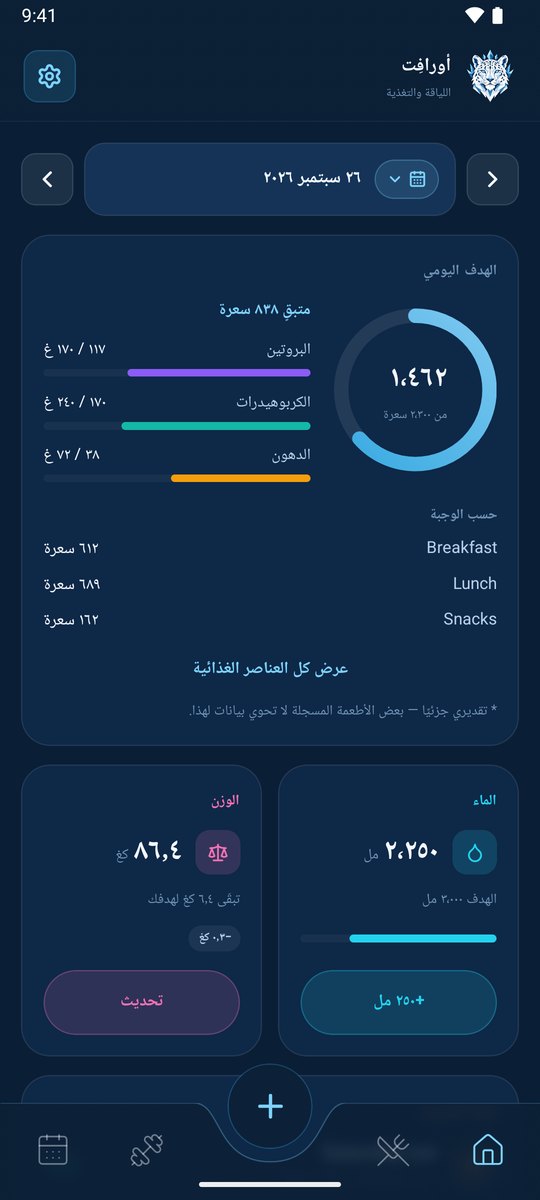
- 🍽️ A food diary that's quick to fill. Search Open Food Facts and USDA, scan a barcode, use your own foods and recipes, or snap a photo of your plate and let AuraFit AI estimate it. Meals can have their own calorie and macro targets, counted down as you eat.
- 🎯 Goals that fit you. Suggested calories, protein, carbs, fat and water from your age, height, weight, activity and target — used only if you choose. Different goals per weekday if you train on some days.
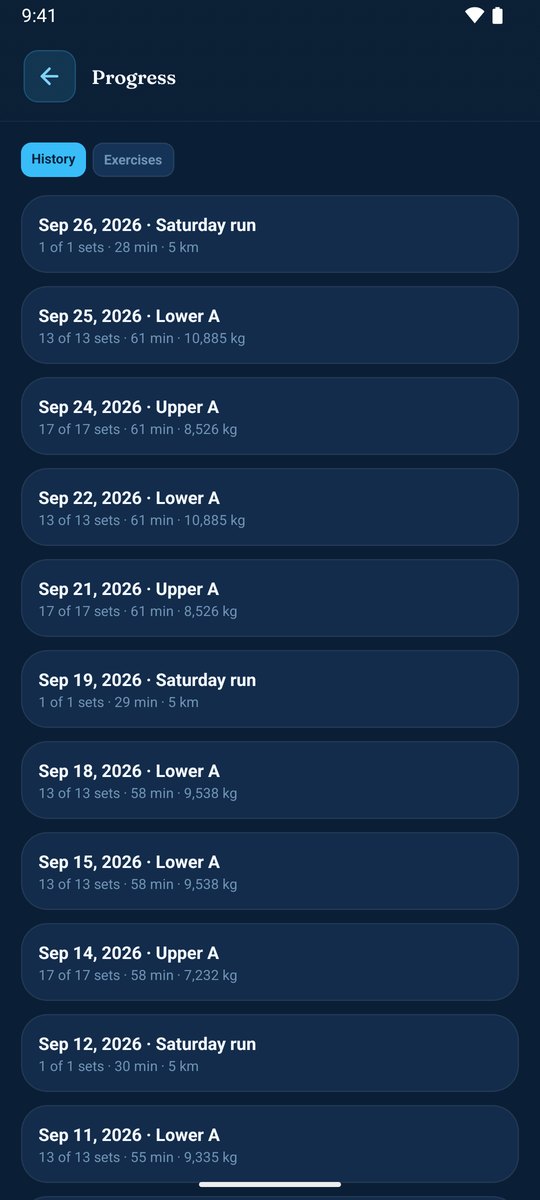
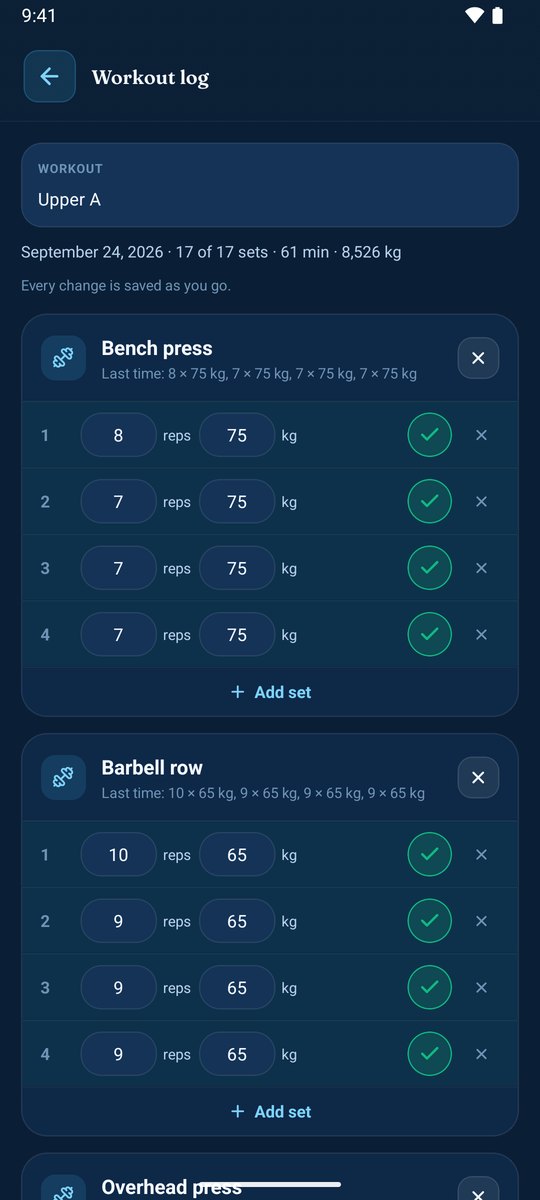
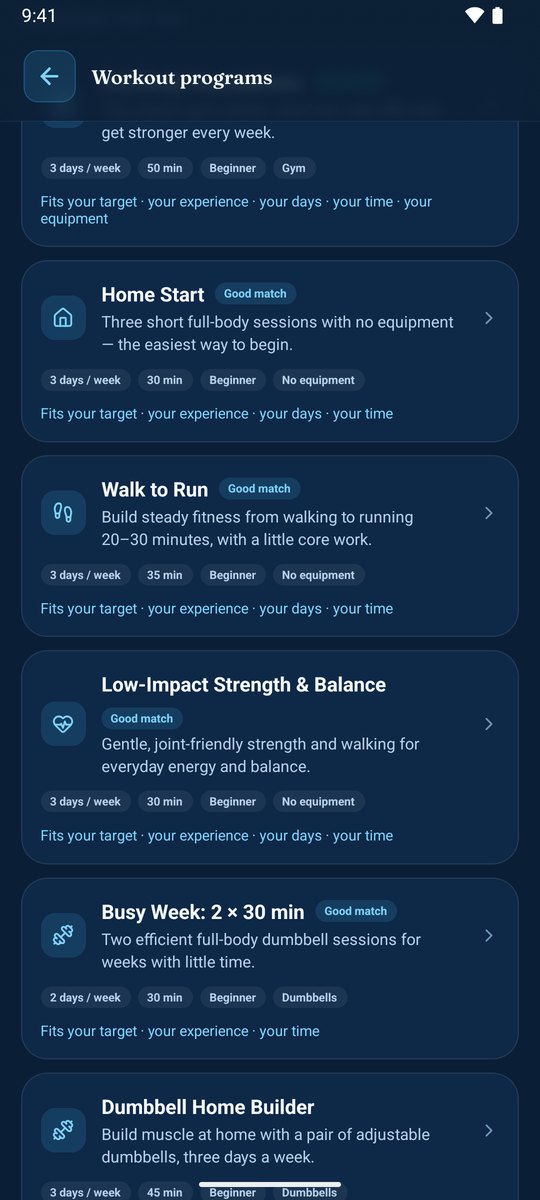
- 💪 Workouts, set by set. Plan workouts by weekday and log them with each set pre-filled from last time. Strength, timed and cardio, with history and best sets. 11 built-in programs, from home workouts to the gym, with a finder that picks one for you.
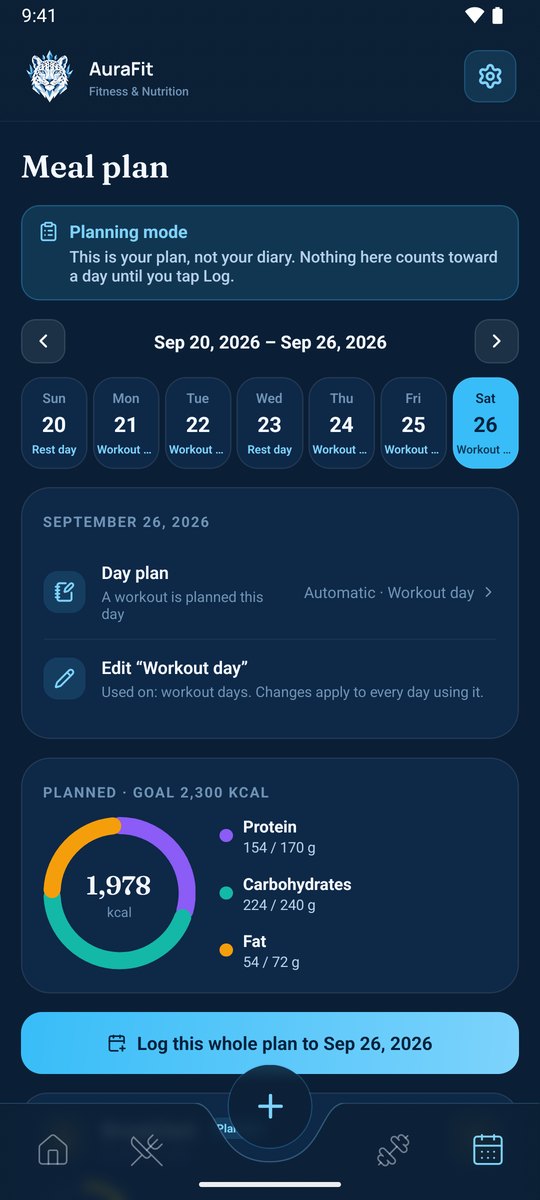
- 🌙 Meal plans for real life. Workout, rest, fasting (Iftar to Suhoor) and open days, each with its own meals and eating window. AuraFit AI can fill a day with local, home-style dishes. Log a whole day in one tap.
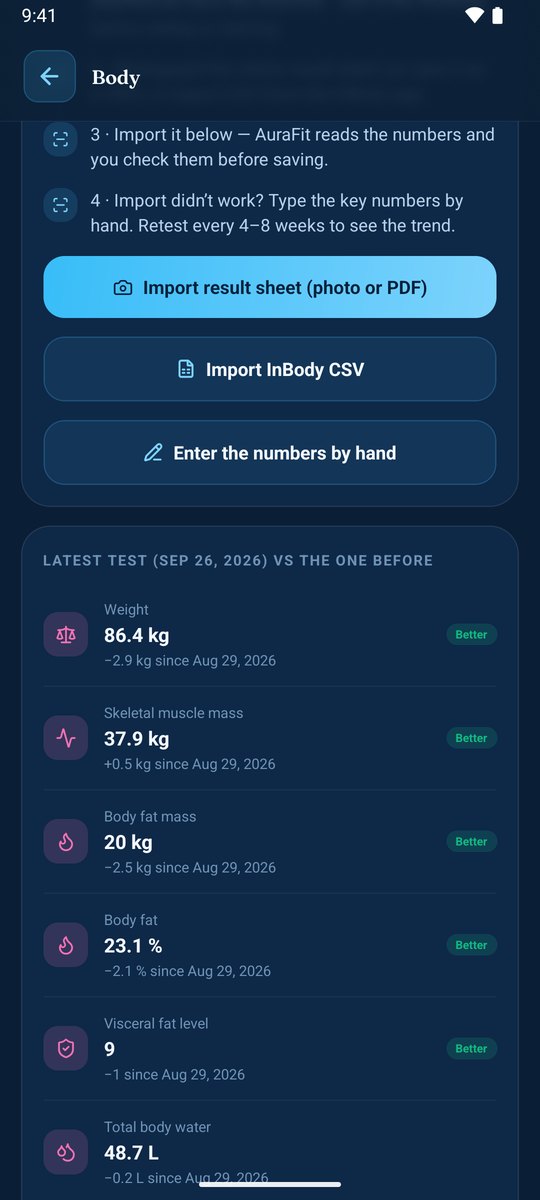
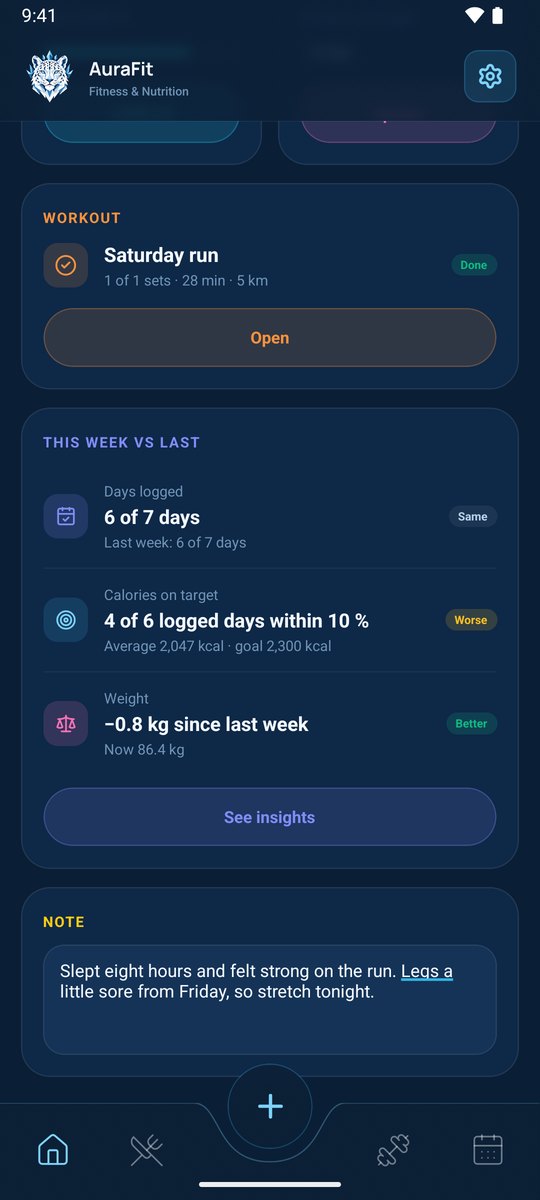
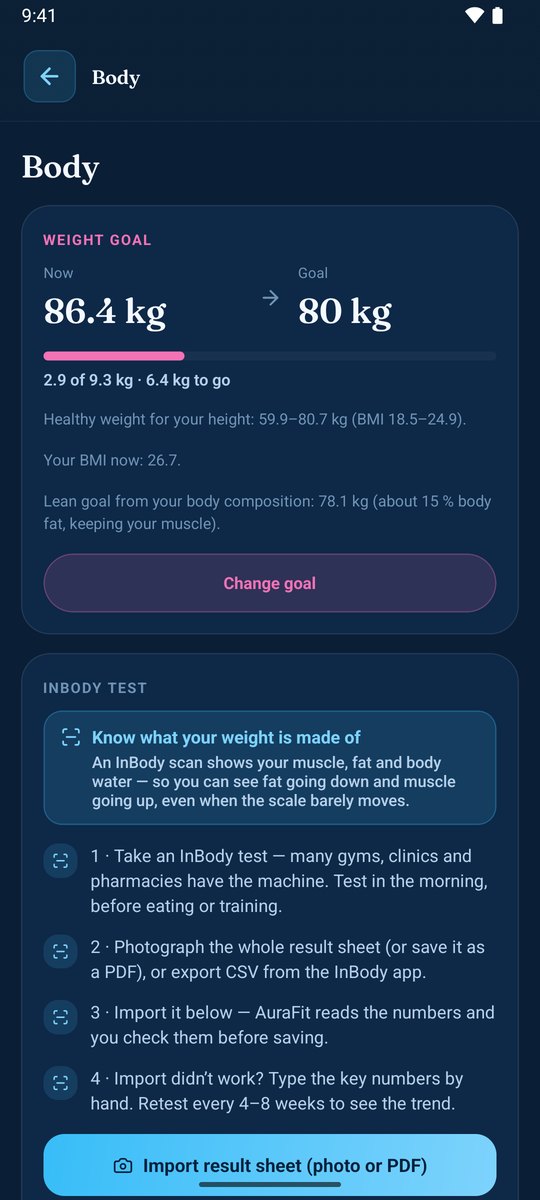
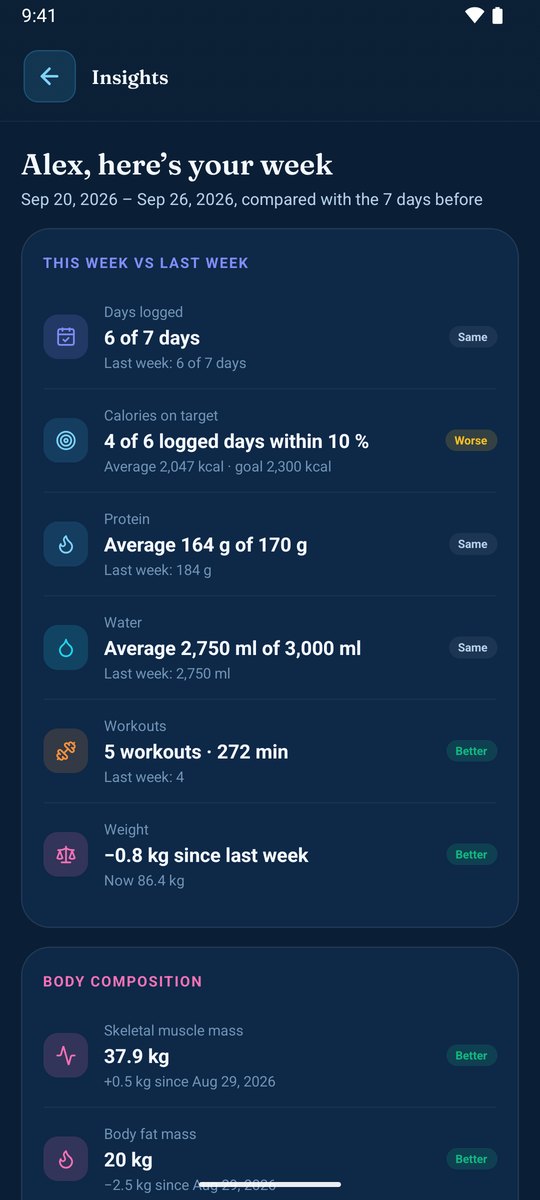
- 📈 Progress you can trust. This week vs. last for calories, protein, water, workouts, weight and body composition, InBody results compared test to test, and — with Health Connect — steps, activity and sleep. An optional AI coach turns your own numbers into tips and charts.
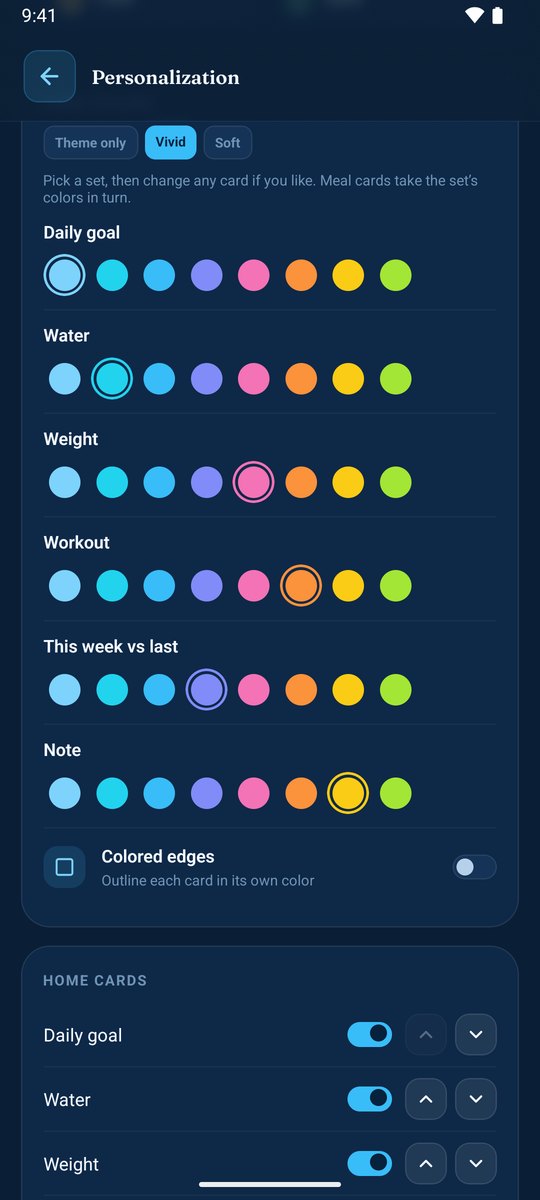
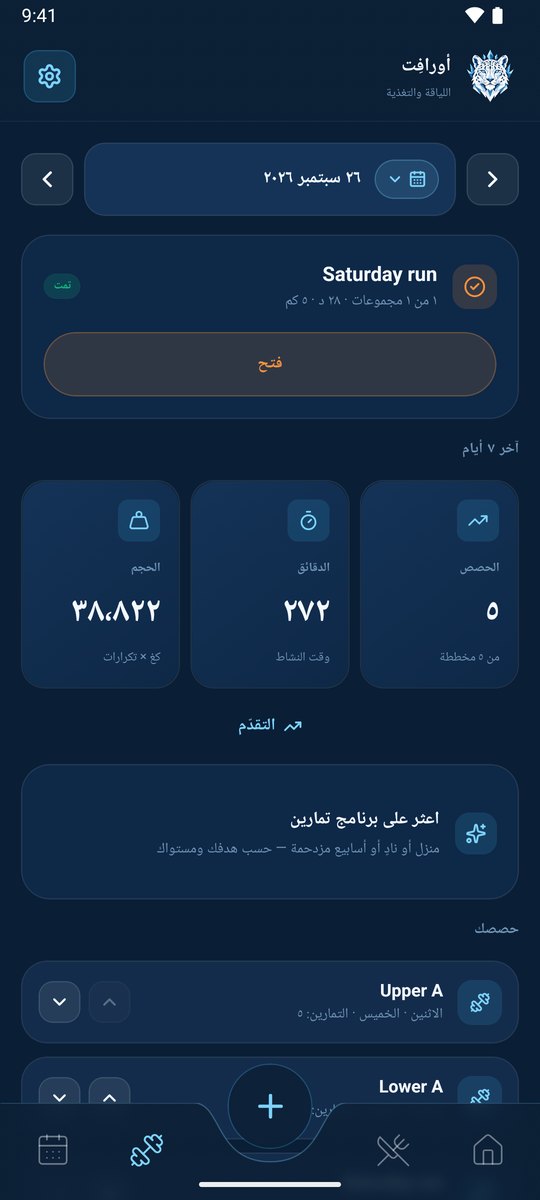
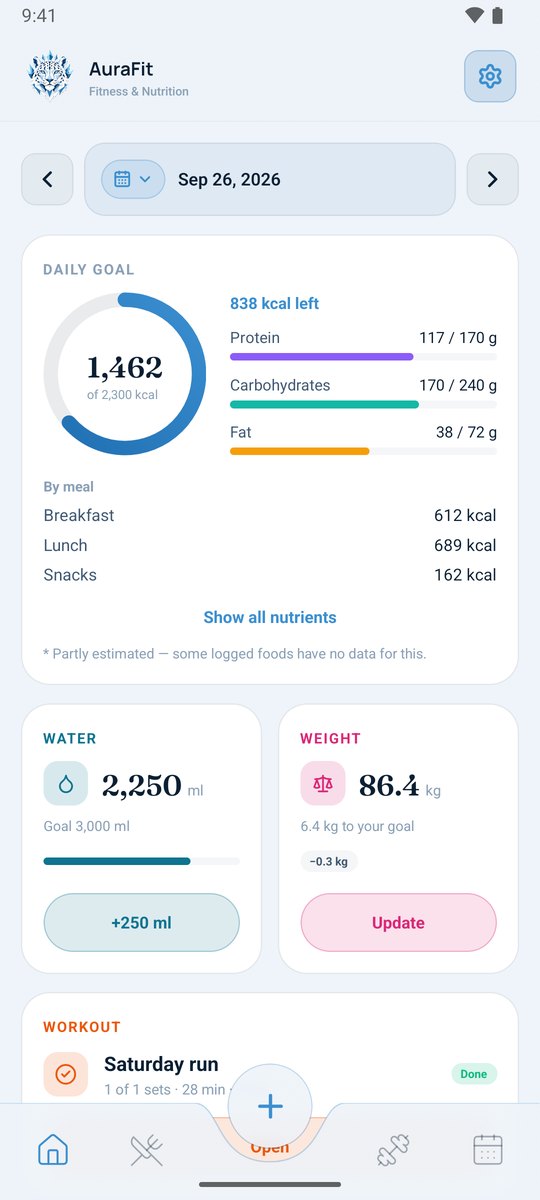
- 🎨 Yours. 8 themes, dark and light, card colors, kcal or kJ, and full Arabic with right-to-left layout.
| Meal plan | Workout programs | Body |
|---|---|---|
 |
 |
 |
| Insights | Light theme | العربية — Arabic |
 |
 |
 |
Screenshots use sample data.
AuraFit is free. AI features (estimates, meal photos, the coach, InBody reading, meal plans) use monthly AI credits.
| Free | Pro | |
|---|---|---|
| Diary, workouts, meal plans, body, insights | ✓ | ✓ |
| AI credits every month | 60 | 1,000 |
| Cloud backup of your diary | — | ✓ |
Credits start over on the 1st of each month, and a failed AI answer costs nothing. Pro will be available through Google Play.
- Open the latest release on your phone and download
auraFit_V….apk. - Open the file. If Android asks, allow your browser or file manager to install apps.
- Accept the privacy policy and sign in with Google.
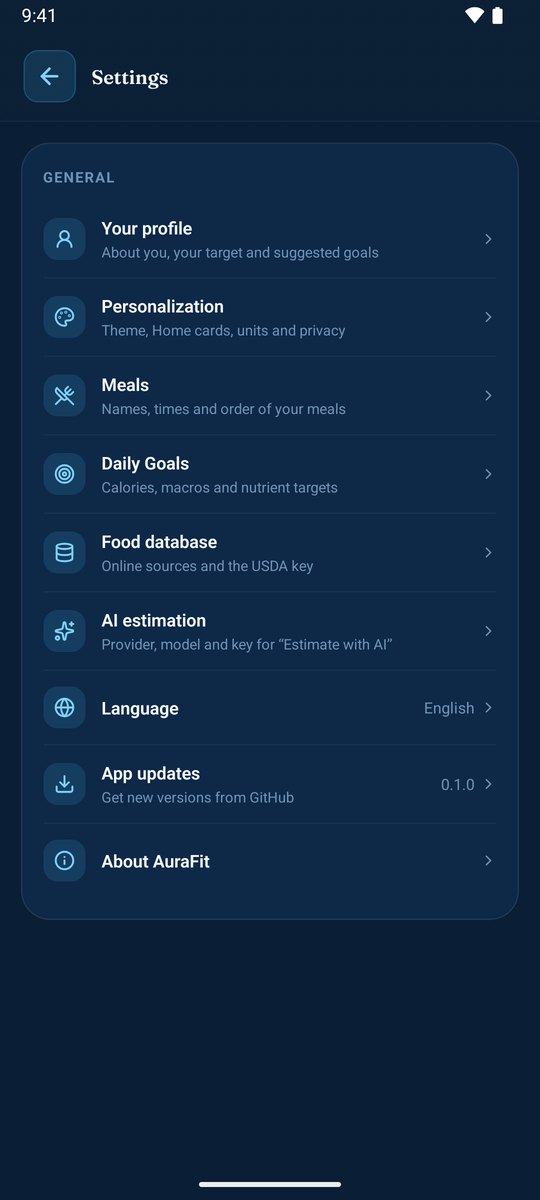
AuraFit updates itself from here: Settings › App updates (checked at most once a day, and every update is verified before it's installed). Already using AuraFit? Just install the new version over it — your data stays.
- Your diary stays on your phone. Meals, workouts, body measurements, notes and settings are stored on your device, not on a server.
- Your account holds very little: your name, email, plan and how many AI credits you used this month.
- AI sends only what it needs, only when you tap it — and nothing about you beyond that.
- No ads, no analytics, no tracking. Your data is never sold.
- Pro cloud backup can be encrypted with a password only you know.
Read the full policy: English · العربية · Delete your account
Why do I need to sign in?
So your AI credits and plan follow you, and so Pro members can back up and restore their diary. Your diary itself never leaves your phone unless you use cloud backup.
Does it work offline?
Yes. Everything you log works offline. Only food search, AI features, cloud backup and signing in need a connection.
I'm moving to a new phone.
With Pro, sign in on the new phone and AuraFit offers your cloud backup. On Free, save a backup file in Settings › Food database › Backup & restore and restore it on the new phone.
How do I delete my account?
In the app: Settings › Account › Delete account. Without the app: see here.
Each version's changes are in its release notes.
- Found a problem or have an idea? Open an issue — there's a short form for each.
- About your account, subscription or privacy? Email amerzuher@outlook.com (not a public page).
Nutrition figures and suggested goals are estimates from food labels, databases and standard formulas, not medical advice. Talk to a professional about your diet and training. · © 2026 Amer Alreyahi