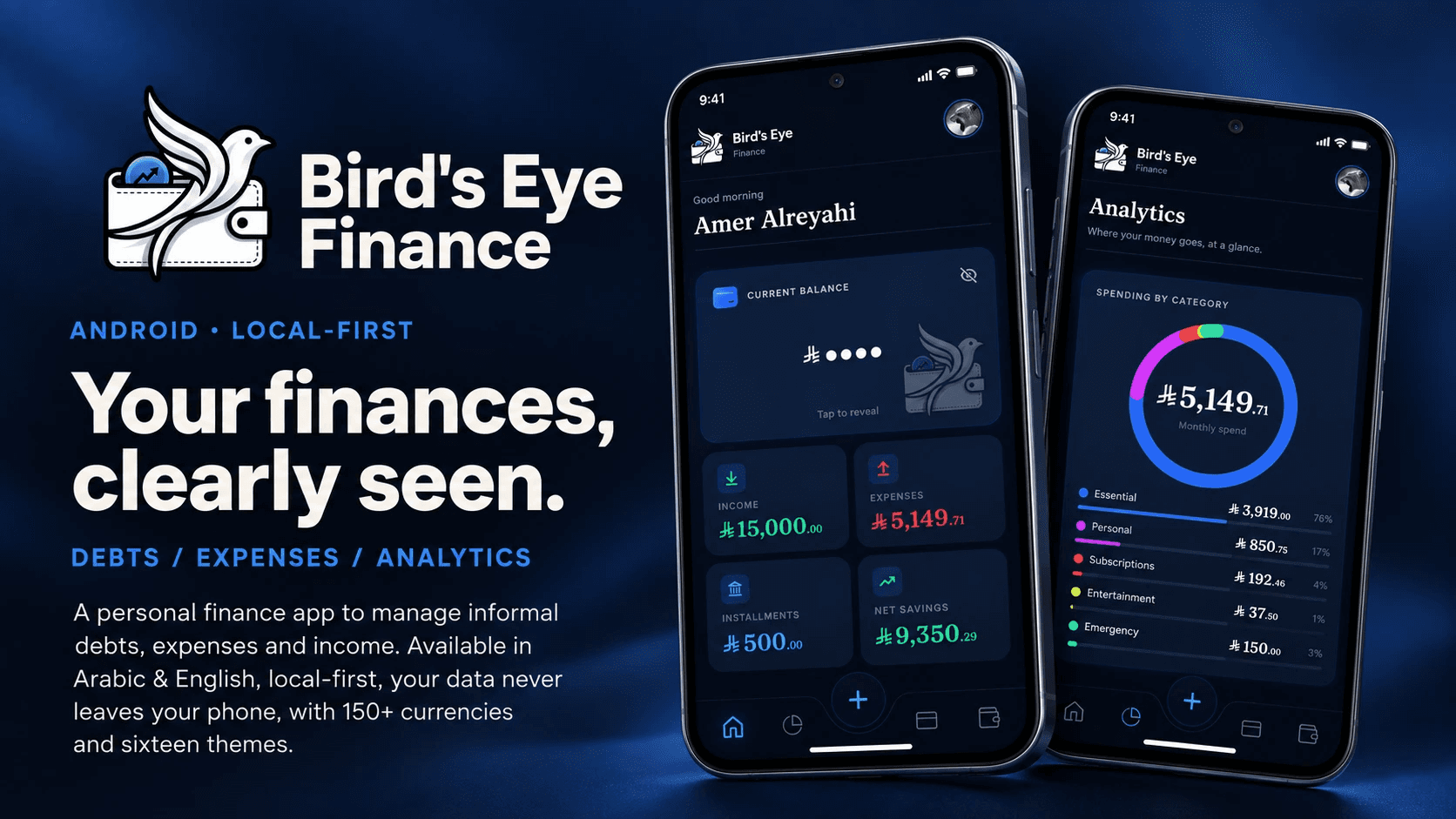
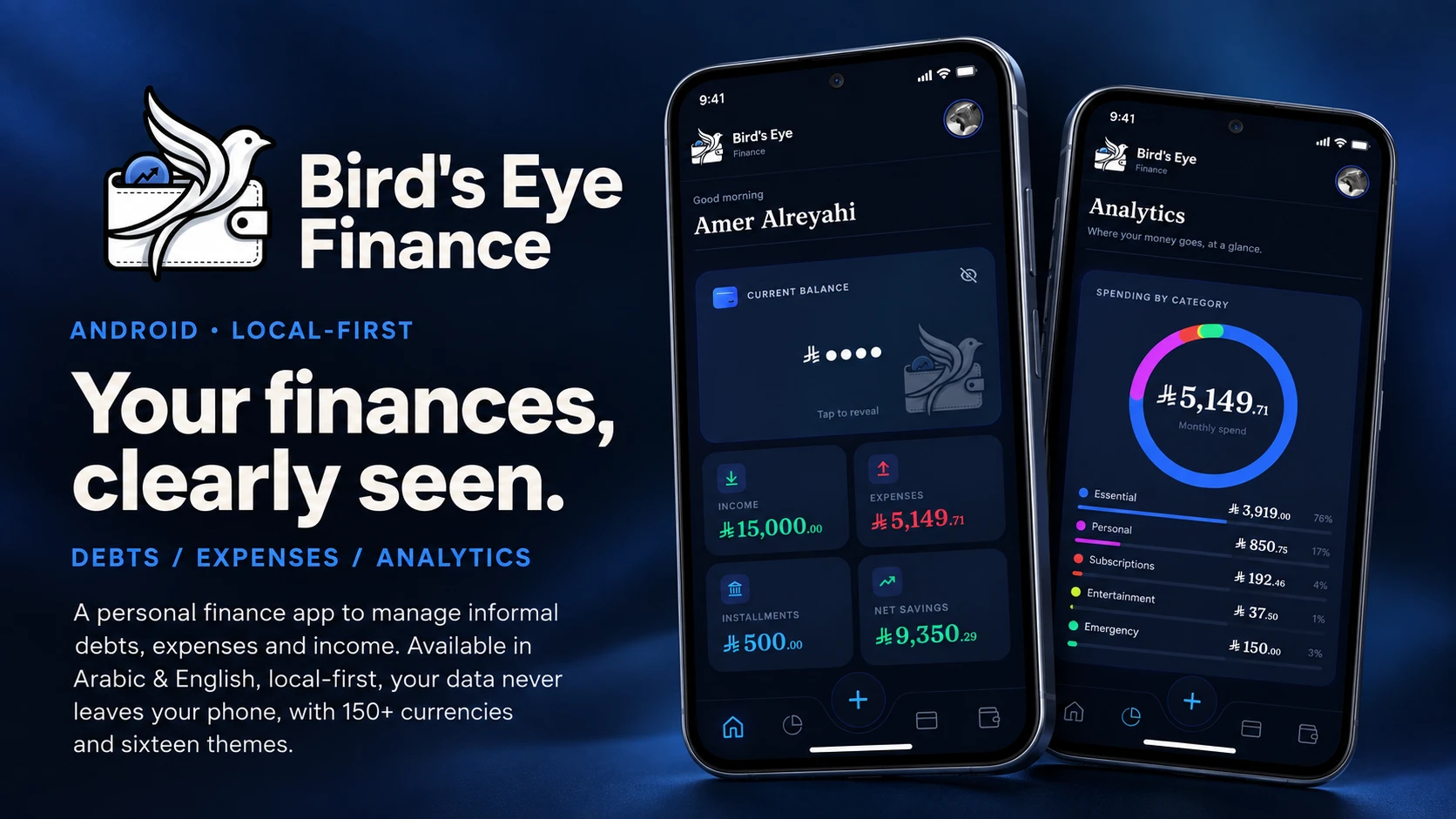
Your finances, clearly seen.
Android · Arabic & English · Local-first — your data never leaves your phone
What it is · Gallery · Features · Install · Building from source
Bird's Eye Finance is a personal finance app built around two things most money apps get wrong: tracking informal debts (who you owe, who owes you) with the same care as your actual expenses, and never sending a single byte of your financial life to a server. Everything — every debt, every expense, every income source — lives only on your device.
 |
 |
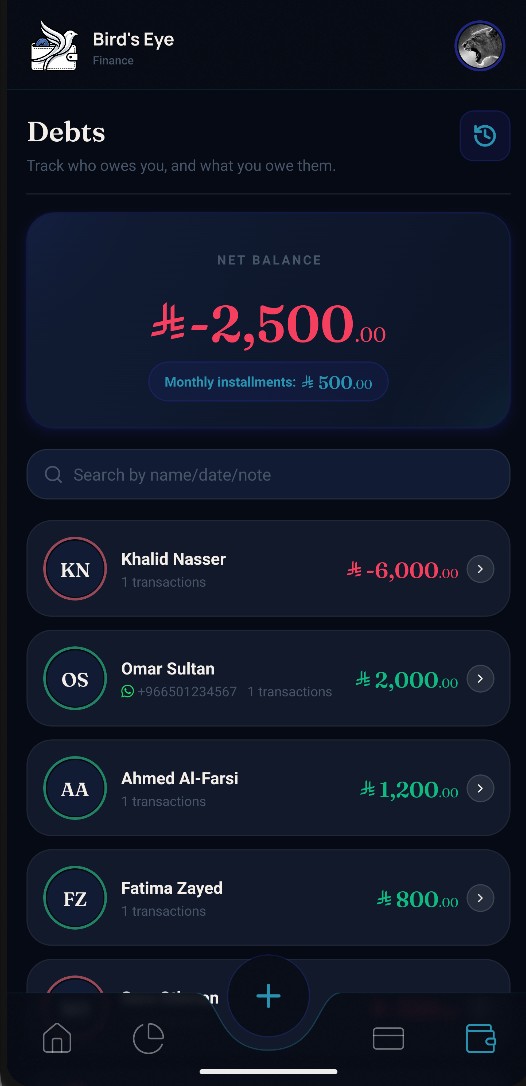 |
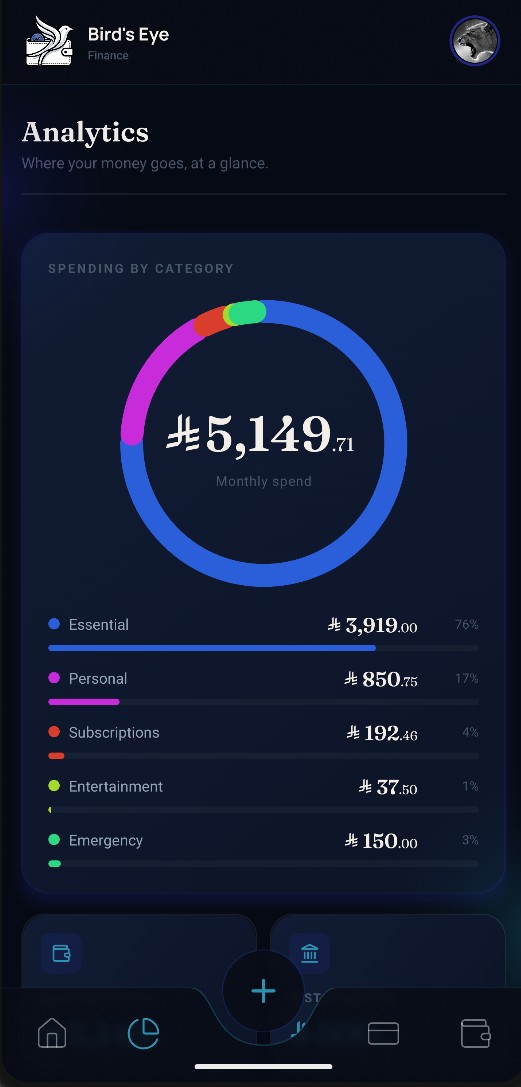
| Home | Analytics | Debts |
 |
 |
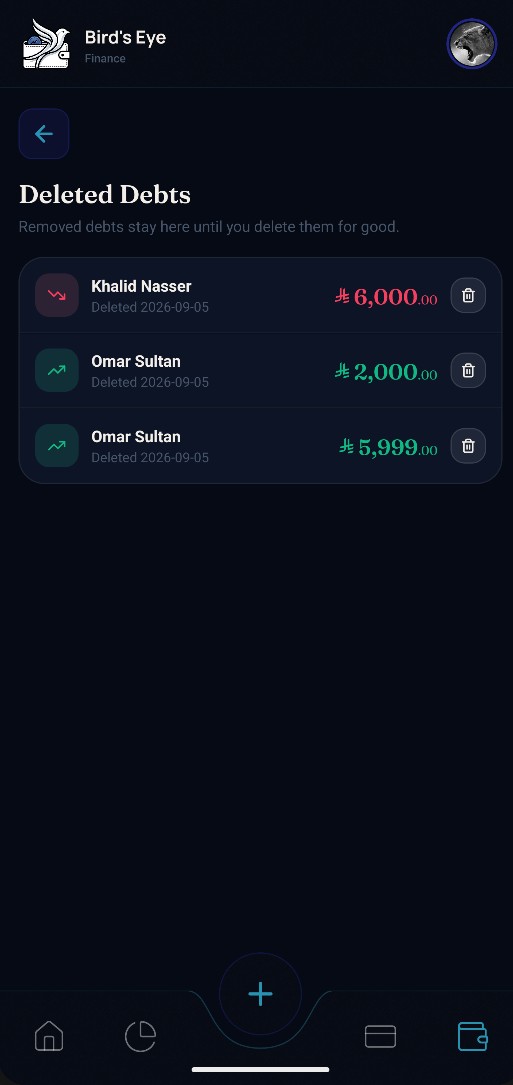 |
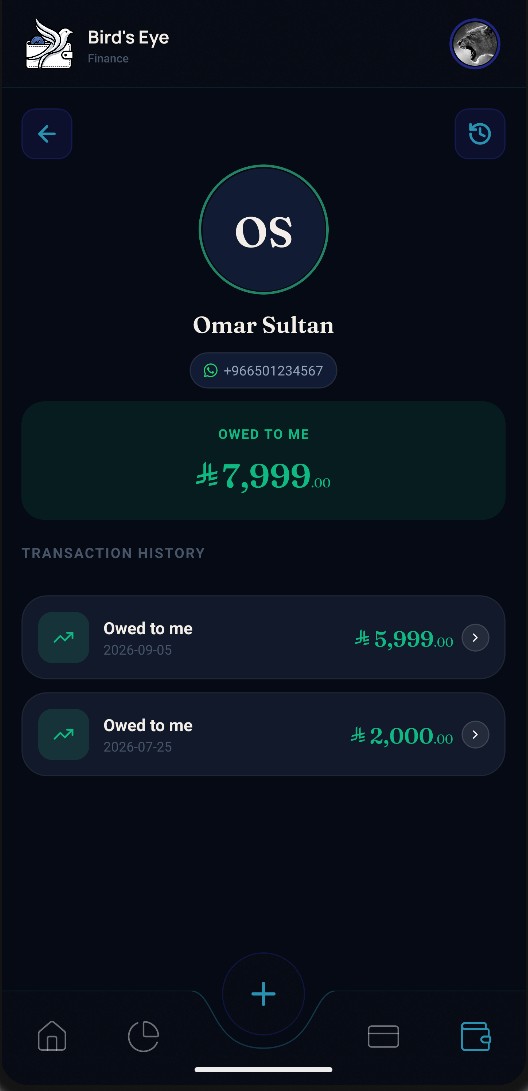
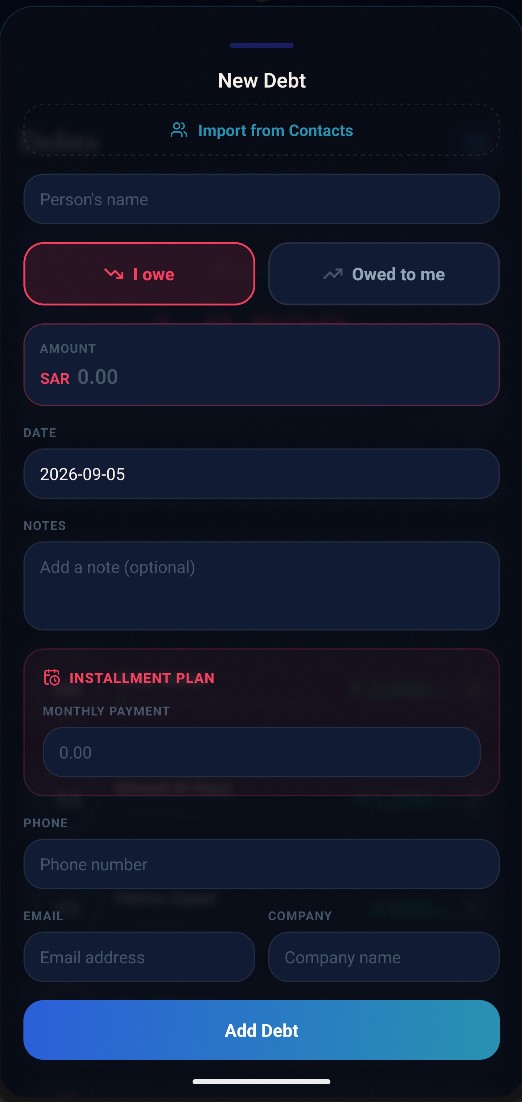
| Person detail | Add a debt | Deleted debts |
 |
 |
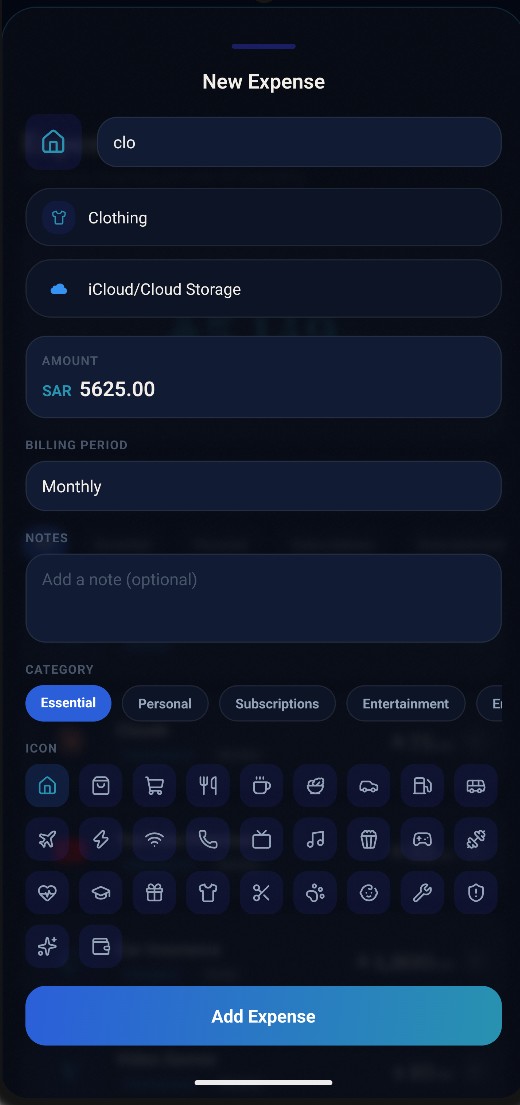 |
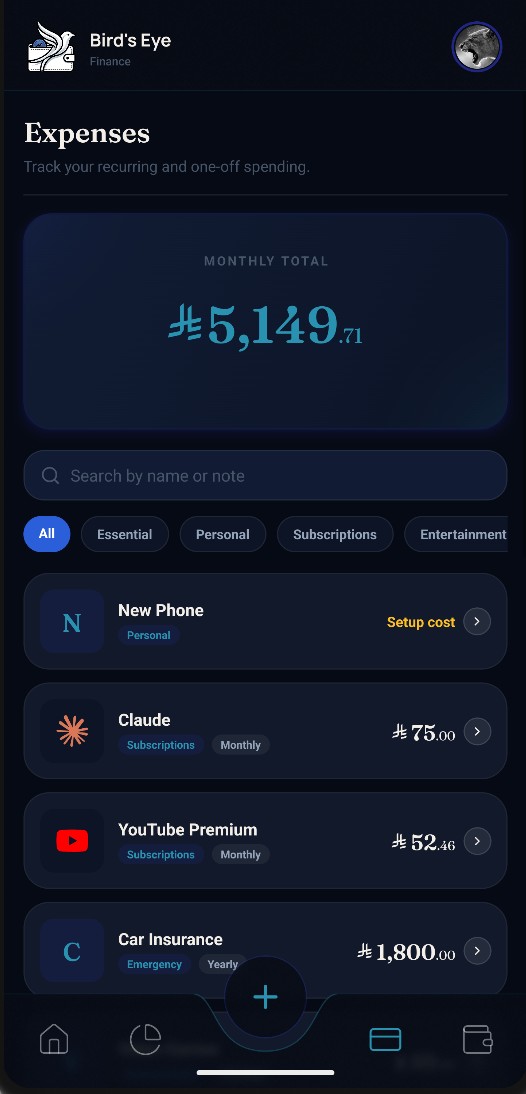
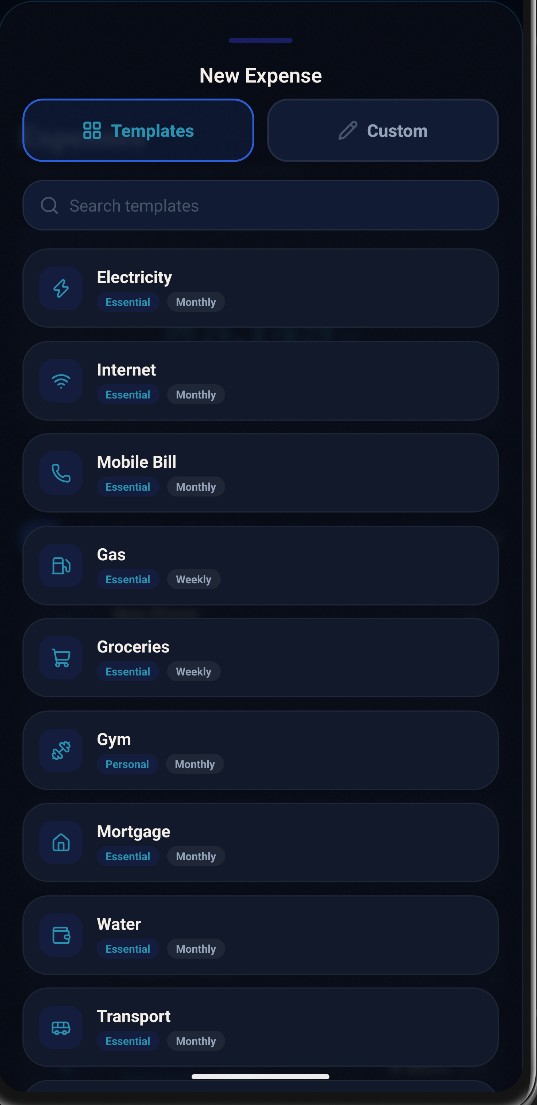
| Expenses | Expense templates | Custom expense |
 |
 |
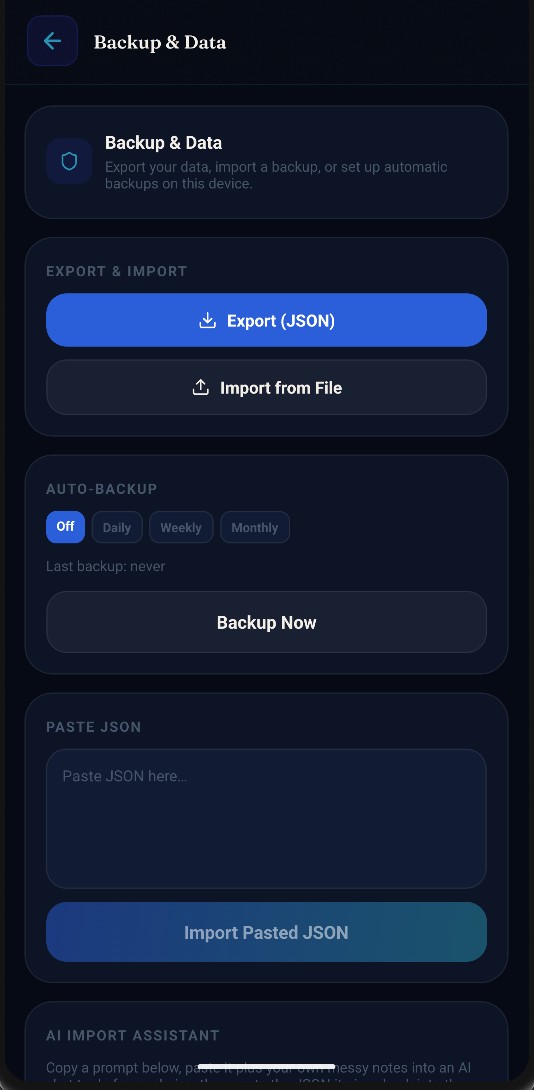 |
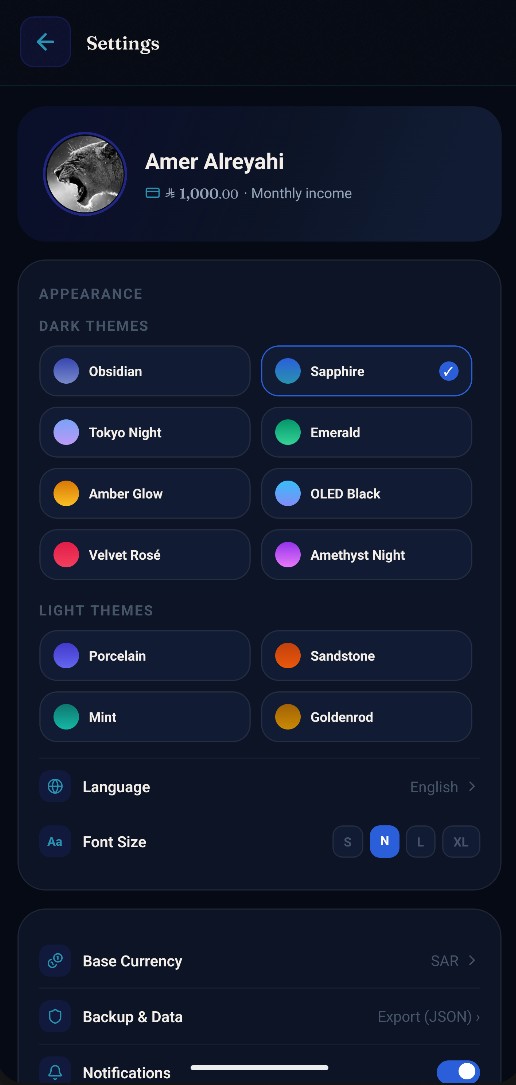
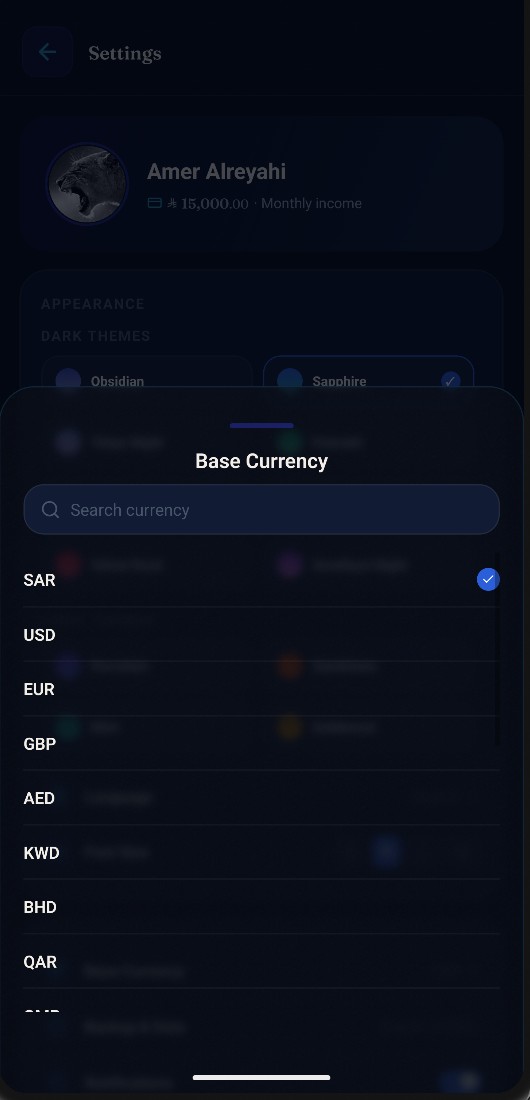
| Settings & themes | Currency picker | Backup & data |
Track money owed to you and money you owe, per person — not just a single running balance. Link a debt straight to someone in your contacts (name, phone, and photo pulled in automatically), and message them their balance on WhatsApp with one tap. Installment plans (monthly payment, start/end date) are tracked separately from one-off amounts, so a loan repayment is never mistaken for discretionary spending in your totals. Deleted debts aren't gone for good — a dedicated history screen keeps them recoverable until you choose to erase them permanently.
Pick from a library of common bills and subscriptions (electricity, internet, gym, groceries and more) already set up with the right category and icon, or start typing a custom name and matching brand icons and categories suggest themselves as you type. Every expense has a billing period (daily, weekly, monthly, yearly, or custom), so a small monthly subscription and a once-a-year bill both roll up correctly into one monthly total. Haven't decided the price of something yet? Add it as a placeholder "setup cost" and fill it in later — it won't be forgotten.
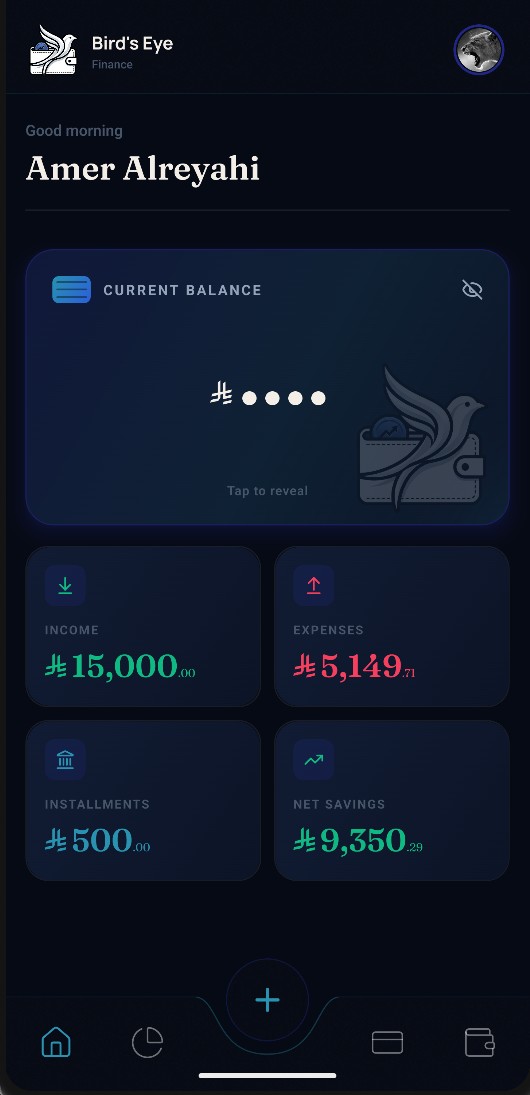
Your balance sits at the top, hidden until you tap it. Below it: what's coming up in the next 30 days — each installment falling due and any plan about to end, with the person and the amount — then this month at a glance (income, minus installments, minus expenses, and what's left, beside a savings-rate ring), and finally who owes you and who you owe. Tap anything to jump straight to it.
Turn on notifications and the app reminds you before each installment falls due — on the day, a day before, or three days before, whichever you prefer — plus a heads-up a week before a plan ends. Record a payment and that month's reminder simply doesn't arrive. Everything is scheduled on your phone; nothing about your debts leaves it.
A spending-by-category ring shows where your money goes at a glance, broken down by category with exact amounts and percentages, alongside your net savings — income minus expenses and minus debt repayments, since a loan payment isn't optional spending.
Full Arabic and English support with real right-to-left layout — not a translated label bolted onto an English-only design. Every screen, every icon, every input mirrors correctly.
Eight dark themes and eight light ones — from moody Obsidian and Tokyo Night to bright Porcelain, Coastal and Matcha. Pick the one that fits your taste and every card, chart, and button follows it, instantly.
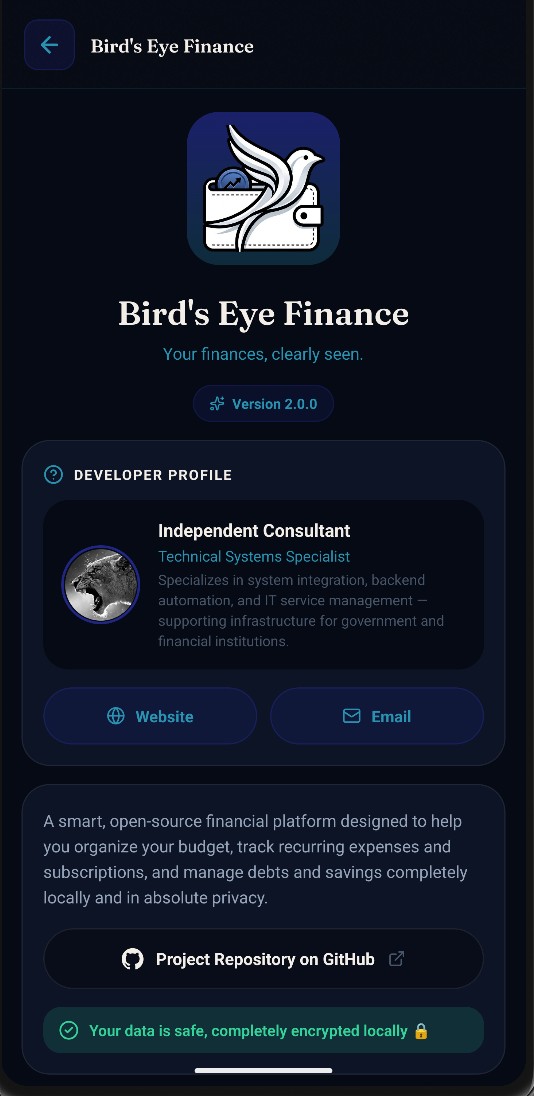
No account, no login, no backend. Your debts and expenses live only on your device — nothing about you or your data is ever uploaded anywhere. Export everything to a JSON file whenever you want, and import one just as easily. There are three deliberate exceptions, none of which sends anything about you: a set of copy-paste prompts for importing messy notes via an AI assistant of your choosing (a manual, user-initiated action); a download of public exchange rates when the app starts; and a once-a-day check of this repository's releases for a newer version. The last two are plain requests to a fixed address — identical for every user — and both can be turned off in Settings.
Every amount can be entered in its own original currency — any of 153 world currencies — and still rolls up correctly into your chosen base currency, using up-to-date daily exchange rates. The currency picker learns from you — whichever currencies you actually use rise to the top of the list over time — and you can search it by code or by name.
⬇ Download the latest release — grab the APK, transfer it to your Android phone, and open it. You'll need to allow "install from unknown sources" for whichever app you use to open it (Files, a browser, etc.) — Android will prompt you for this the first time.
From 2.2.0 onwards you only have to do that once: the app checks this page for newer versions by itself, and Settings → App updates downloads and installs them for you. It refuses to install anything that isn't this app, signed with the same key, matching the checksum published with the release — and your data is untouched by an update.
Want an older version instead? Browse all releases and pick one.
No Play Store, no account, no setup beyond that.
Important
Read docs/DEVELOPMENT.md before your first build. This is a native Android project — npm install alone will not get it running. There are real prerequisites (Android Studio/SDK, a JDK, ANDROID_HOME) covered there in full, along with the complete project structure, release-signing caveats, and the current state of CI/CD.
npm install
npx expo run:android
That's the short version once the prerequisites above are met — it builds and installs a debug build on a connected device or emulator.