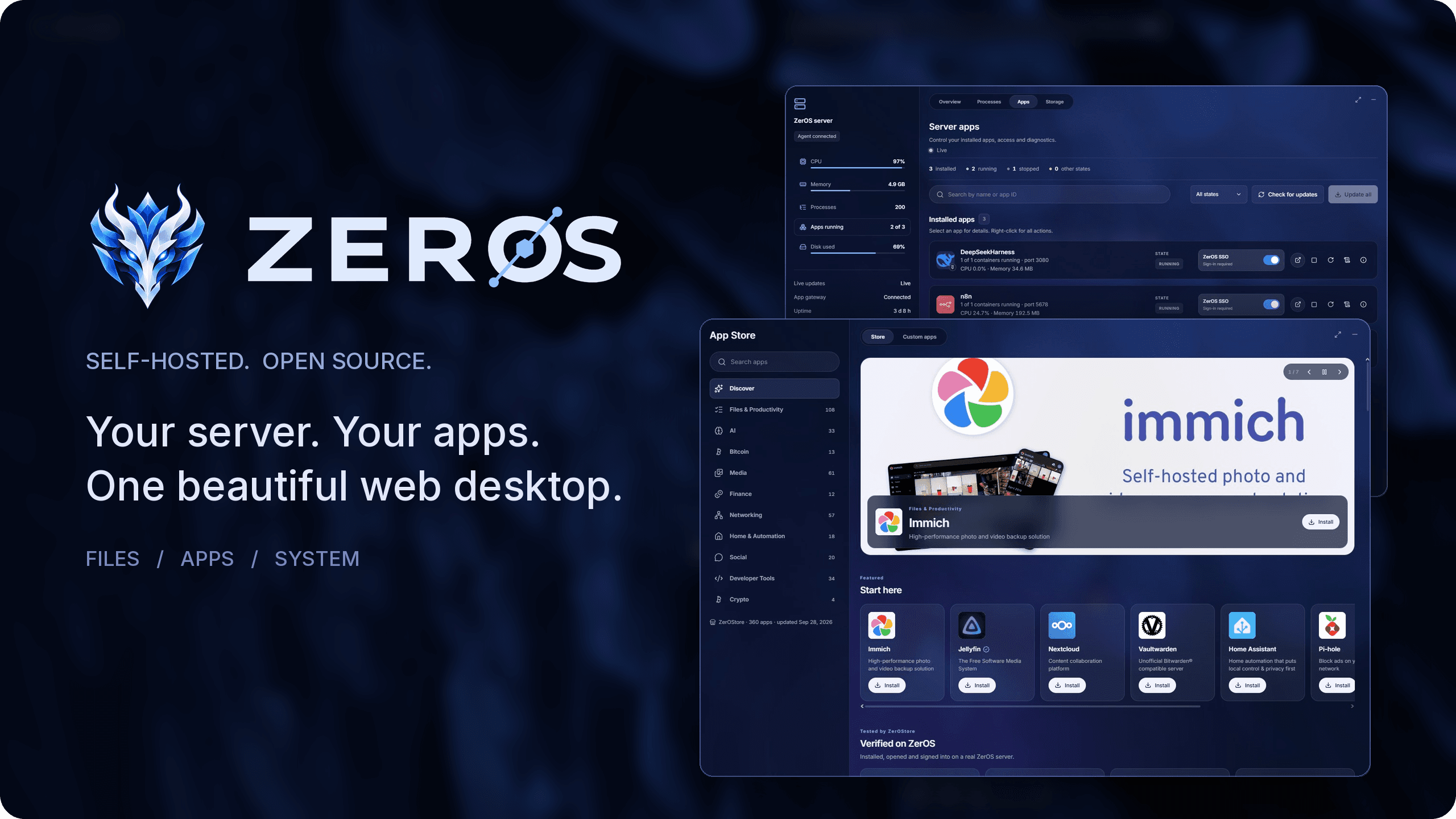
Your own personal server, with a real desktop you open in any browser.
Your photos, files, media and passwords on your hardware: private, backed up, and yours.
Latest version: 1.1.9
Why ZerOS · Install · Features · New in 1.1 · Screenshots · Why you can trust it · Privacy · FAQ
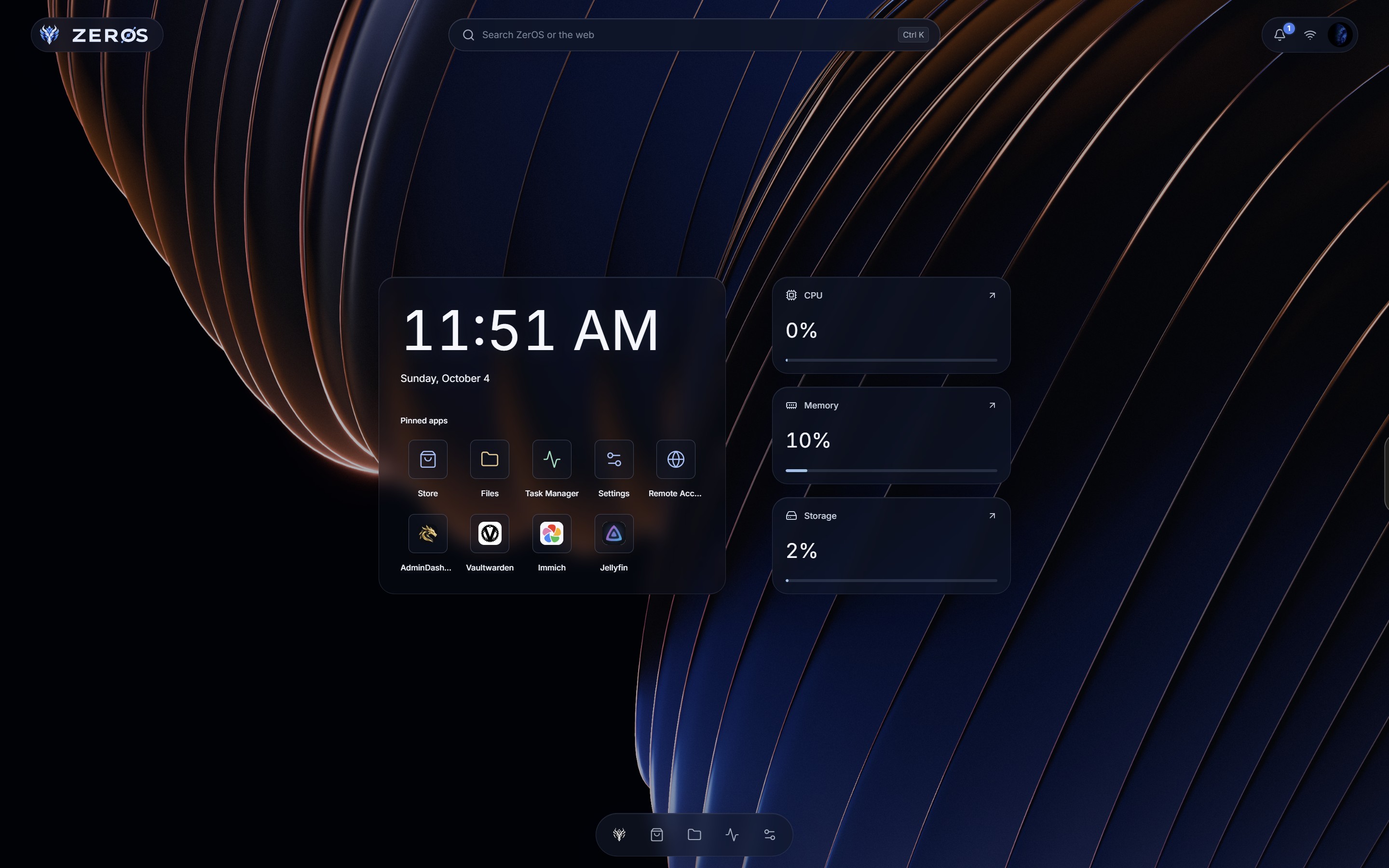
ZerOS turns a Linux machine (a mini PC, a Raspberry Pi or an old computer) into a personal server, and gives it a desktop you open in any browser. Install Immich for your photos, Jellyfin for your films, Vaultwarden for your passwords or Home Assistant for your home in one click each, and manage all of it the way you use a computer: windows, apps, a file manager and a task manager, behind one sign-in. No terminal, no YAML.
This repository holds the ZerOS releases: the installer, the program and ready-to-flash images.
- A real desktop, not a control panel. Apps open in windows you move, resize, snap and keep open side by side, and they come back after a reload or on another device.
- Safe by design. The part you talk to runs without privileges and cannot touch Docker; only a small agent is root, and it accepts a short list of fixed operations, never a command. How ZerOS protects you →
- Every app is reviewed before it runs, and anything that reaches beyond the app needs your yes. Every app sits behind your ZerOS sign-in, and never sees your session.
- Updates that undo themselves. ZerOS, your system and your apps update from one place; a signed ZerOS release or an app that does not come back healthy is rolled back on its own.
- Backups, alerts and monitoring built in: encrypted scheduled backups, alerts for full disks and failing drives by email, ntfy, Gotify or Telegram, and live CPU, memory, disk and GPU use.
- Reach it from anywhere through Tailscale, with secure
https://addresses and nothing opened on your router. - Private. No telemetry, no analytics, no account with us. What leaves your server →
Read the full case for ZerOS →
| Option | Use it for | What happens |
|---|---|---|
Installer script (install.sh) |
An existing supported Linux host on x86-64 or ARM64 | Installs ZerOS and its dependencies on your current OS; finishes with a setup token |
Guided x86-64 UEFI installer ISO — zeros-<version>-x86-64-uefi.iso |
A fresh installation on an Intel/AMD PC with UEFI | Boot the USB, choose the internal target disk and confirm partitioning; requires internet access |
x86-64 UEFI image — zeros-<version>-x86-64-uefi.img.xz |
An Intel/AMD 64-bit mini PC with UEFI | Replaces the selected USB stick or disk with a complete bootable system; requires wired Ethernet and Secure Boot off |
Raspberry Pi ARM64 image — zeros-<version>-raspberry-pi-arm64.img.xz |
Raspberry Pi 4 or 5 | Replaces the selected SD card or boot media with a complete bootable system; use Raspberry Pi Imager's Use custom option |
A .img.xz is a compressed full disk image, with the system's disk layout and boot files
already prepared. It is not an ISO installer: write it with an image writer, rather than copying
the file onto a drive. Booting a flashed USB runs ZerOS from that USB; it does not automatically
install ZerOS onto the PC's internal disk. Flashing erases the selected drive.
For installation onto an internal disk from USB, use the guided ISO installer.
Choose an image that is actually attached to the release: 1.1.0 and 1.1.1 have no flashable images. See the installation guide for architecture selection, download verification, flashing and first boot.
- Debian 12 or 13, Ubuntu 22.04 or 24.04, or Raspberry Pi OS (64-bit), on a 64-bit PC or ARM board.
- At least 1 GB of memory and 10 GB of free disk space.
- Nothing else using port 80 (ZerOS serves its desktop there).
curl -fsSL https://github.com/AmerAlreyahi/ZerOS-releases/releases/latest/download/install.sh | sudo shThe installer checks that the download is genuine before it changes anything. When it finishes, it
prints a setup token: open http://<your-server> in a browser and use the token to create your
account.
To see what it would change without changing anything:
curl -fsSL https://github.com/AmerAlreyahi/ZerOS-releases/releases/latest/download/install.sh | sudo sh -s -- --dry-runFor the image options above, follow the flashing and first-boot steps. A flashed device is claimed from the local network within 30 minutes of boot, without the installer's setup token.
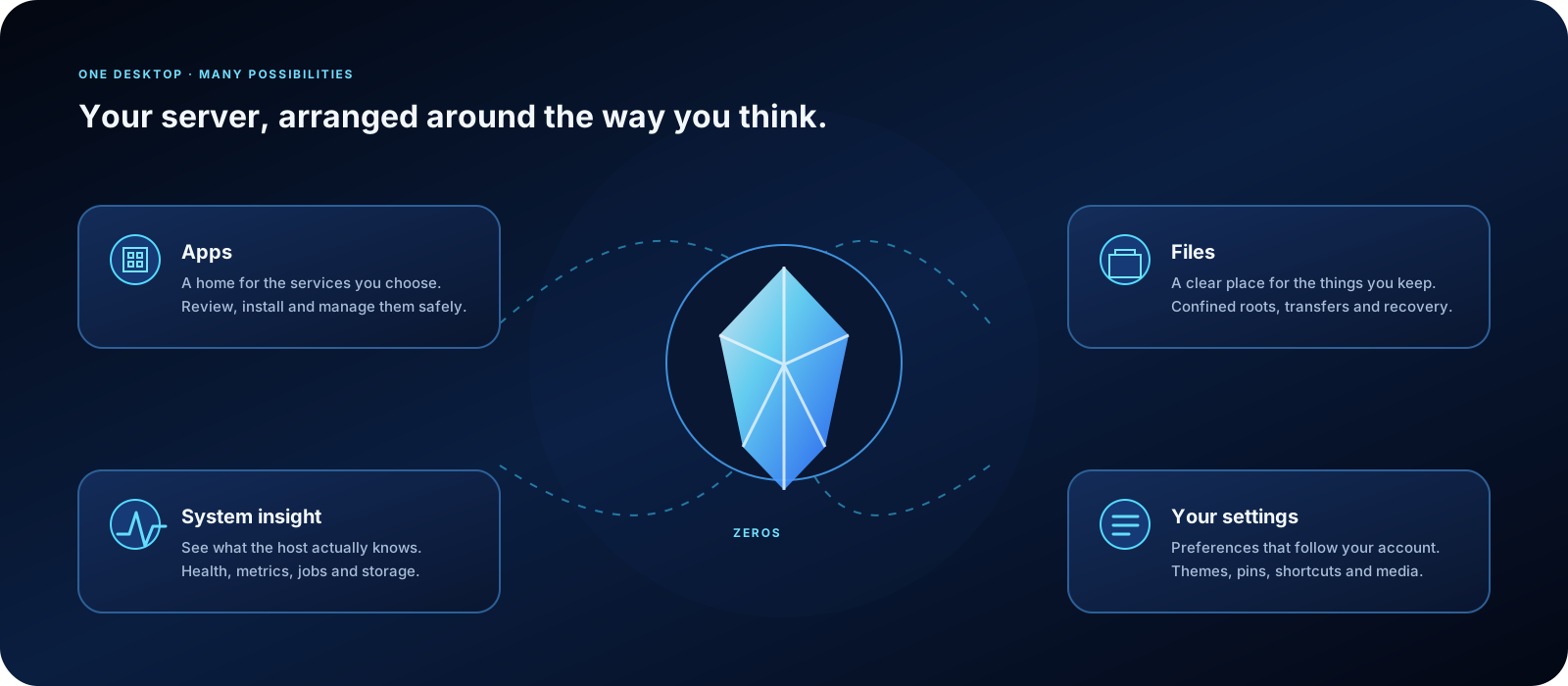
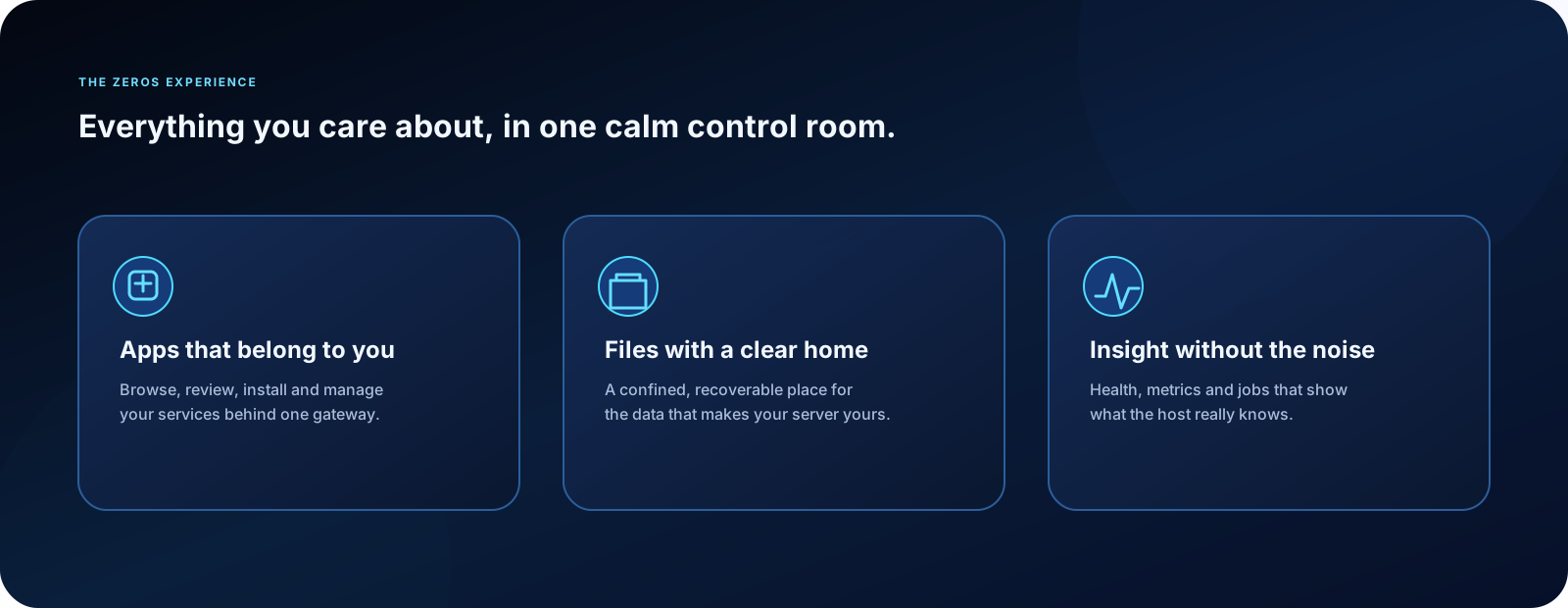
- Apps: browse a store of self-hosted apps, see what each one will be allowed to do before you install it, then start, stop, update or remove it in one click.
- Files: upload, download, preview, organise and search your files, with a trash you can restore from. Photos, music, video and text open in their own windows.
- Task Manager: live CPU, memory, storage, network and GPU use, per-app usage and history.
- Backups: scheduled backups of your apps and folders, which you can check and restore.
- Remote access: reach your server securely from anywhere through Tailscale, without opening
ports on your router, at a secure
https://address your browser trusts. - Terminal and Wi-Fi: a terminal on your server and Wi-Fi setup, right from the desktop.
- Your desktop, your way: ten themes, twelve desktop styles, wallpapers and up to twelve pinned apps.
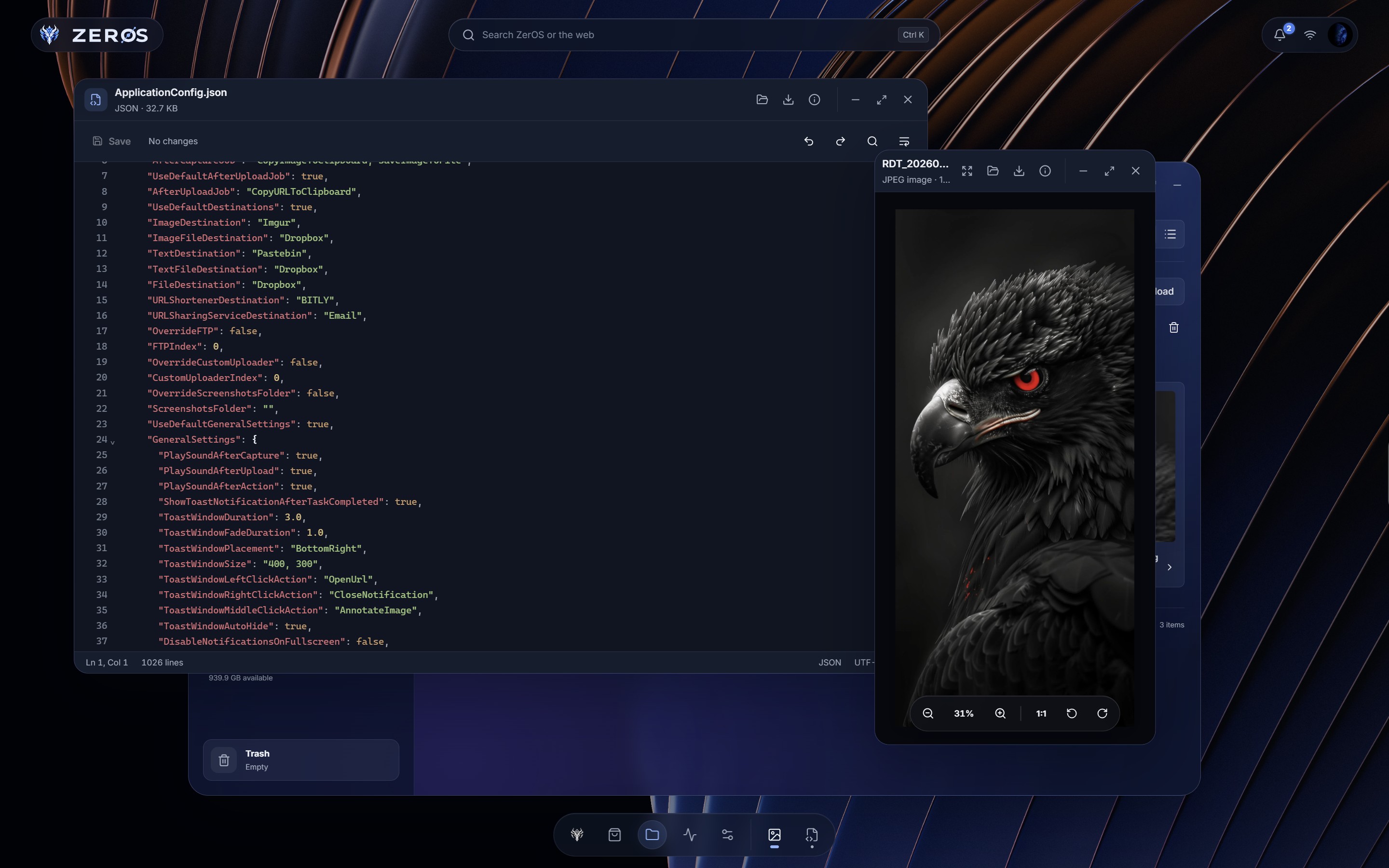
- Real windows. Photos, Player, Text Editor and Terminal open as windows you can move, resize, snap to half the screen, minimize to the dock and keep open side by side. They are kept for your account: a reload, or another device, brings them back.
- Nothing you type is lost. Text Editor keeps unsaved text on your server until you save or discard it, and never overwrites a file that changed meanwhile without asking.
- Docker Hub in the Store. Install any Docker Official Image, reviewed like every other app.
- A secure address for the desktop. On your tailnet, ZerOS opens at
https://<your-server>.<tailnet>.ts.net, with a certificate your browser trusts.
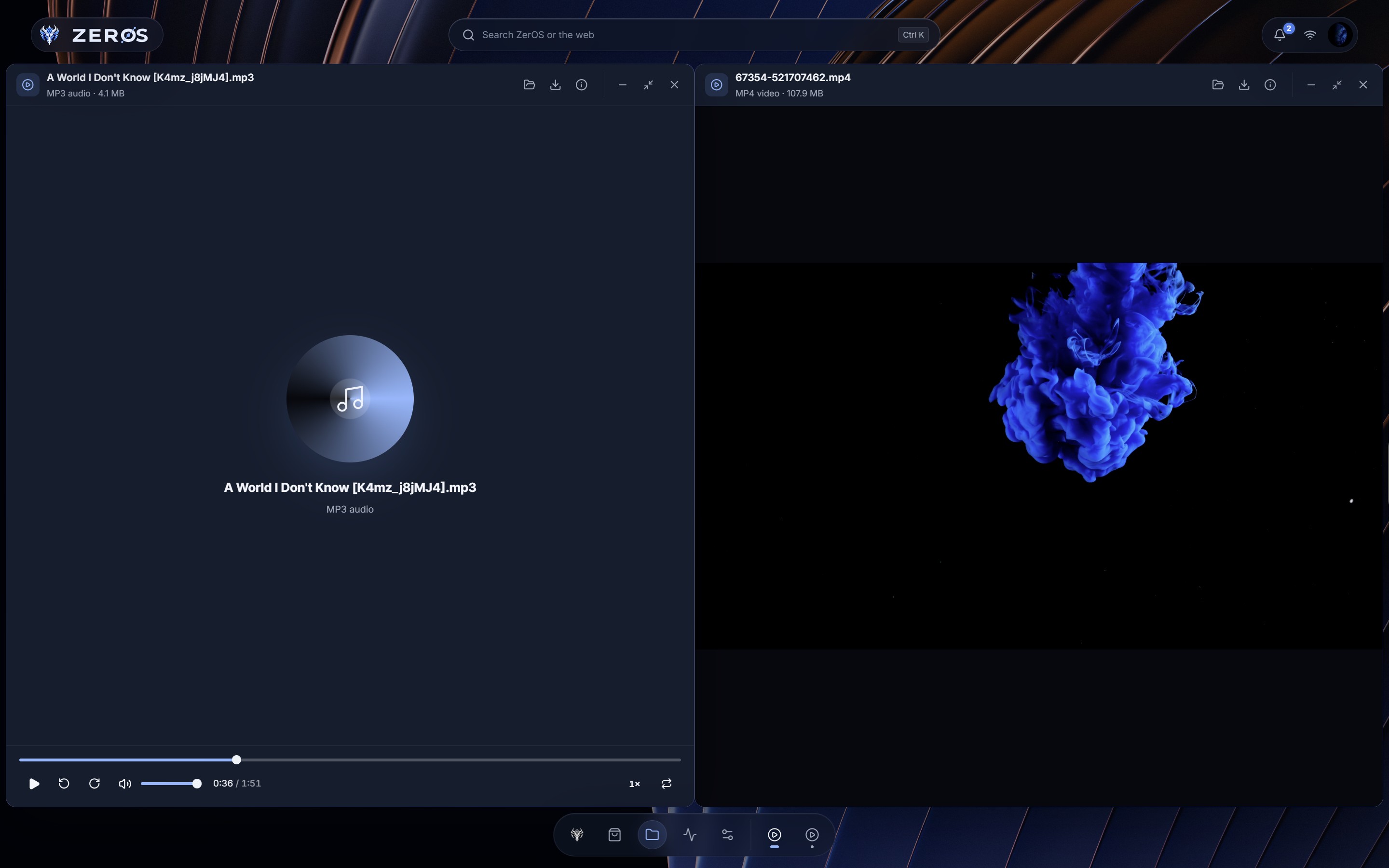 Player windows |
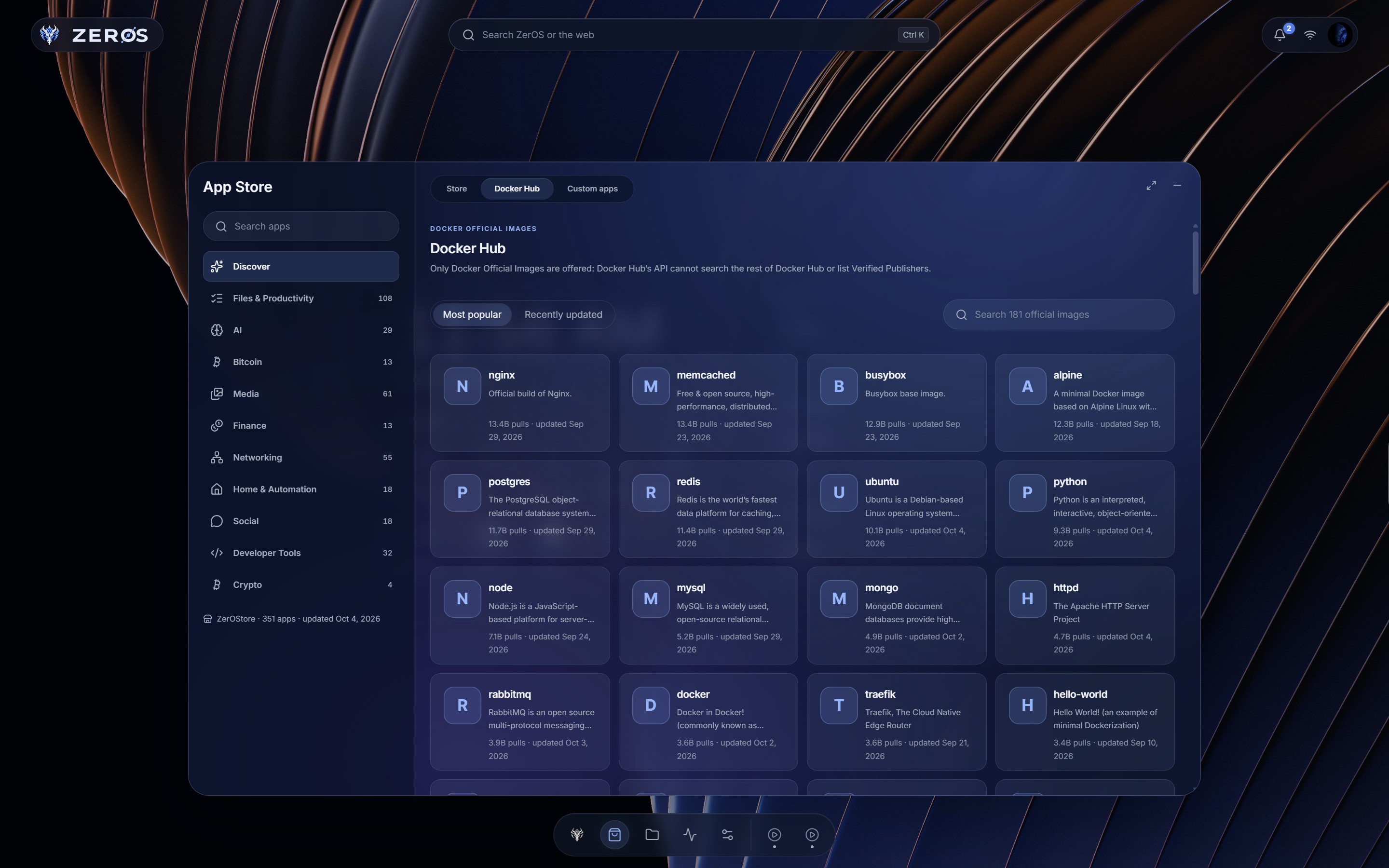 Docker Hub |
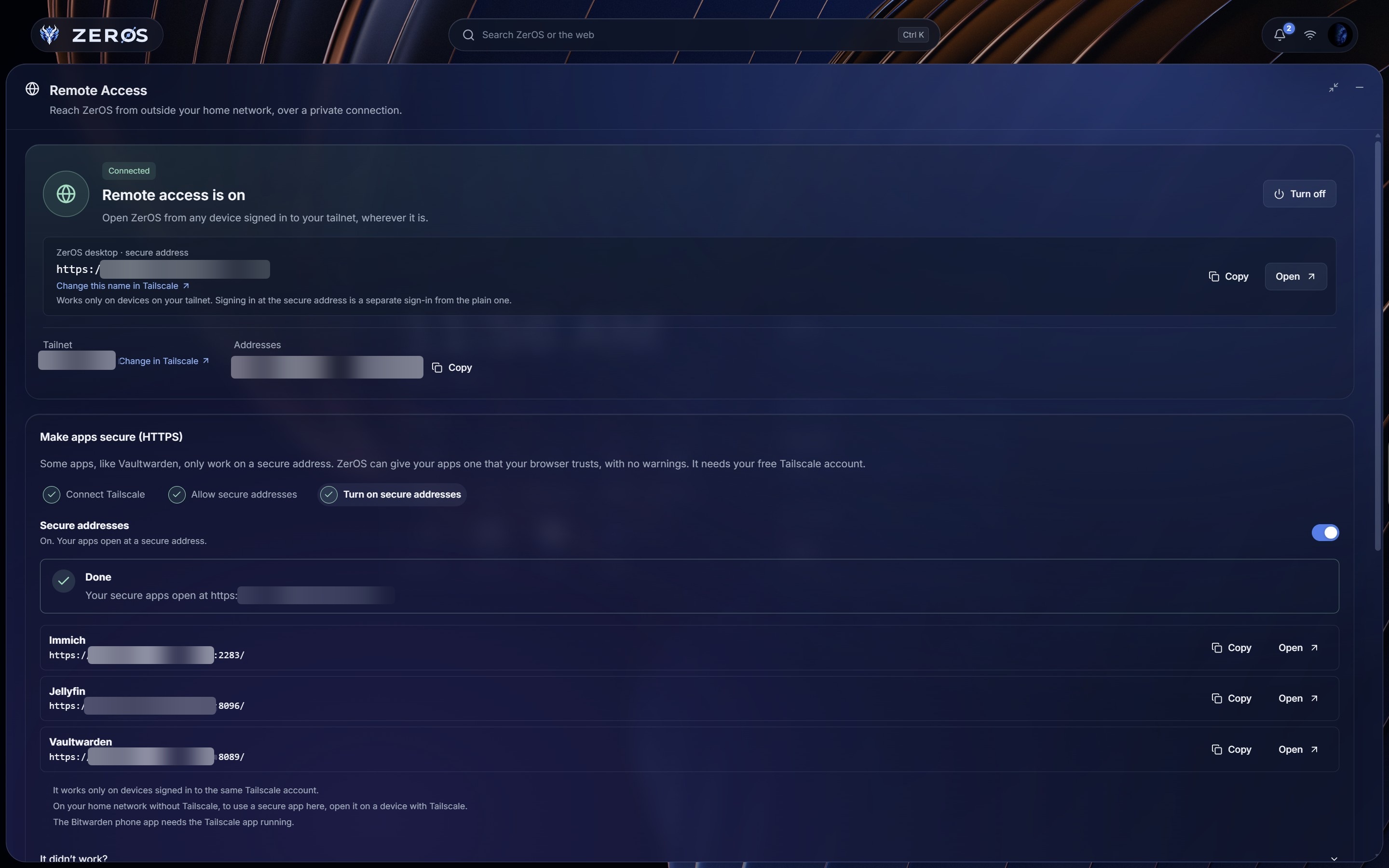 Secure addresses |
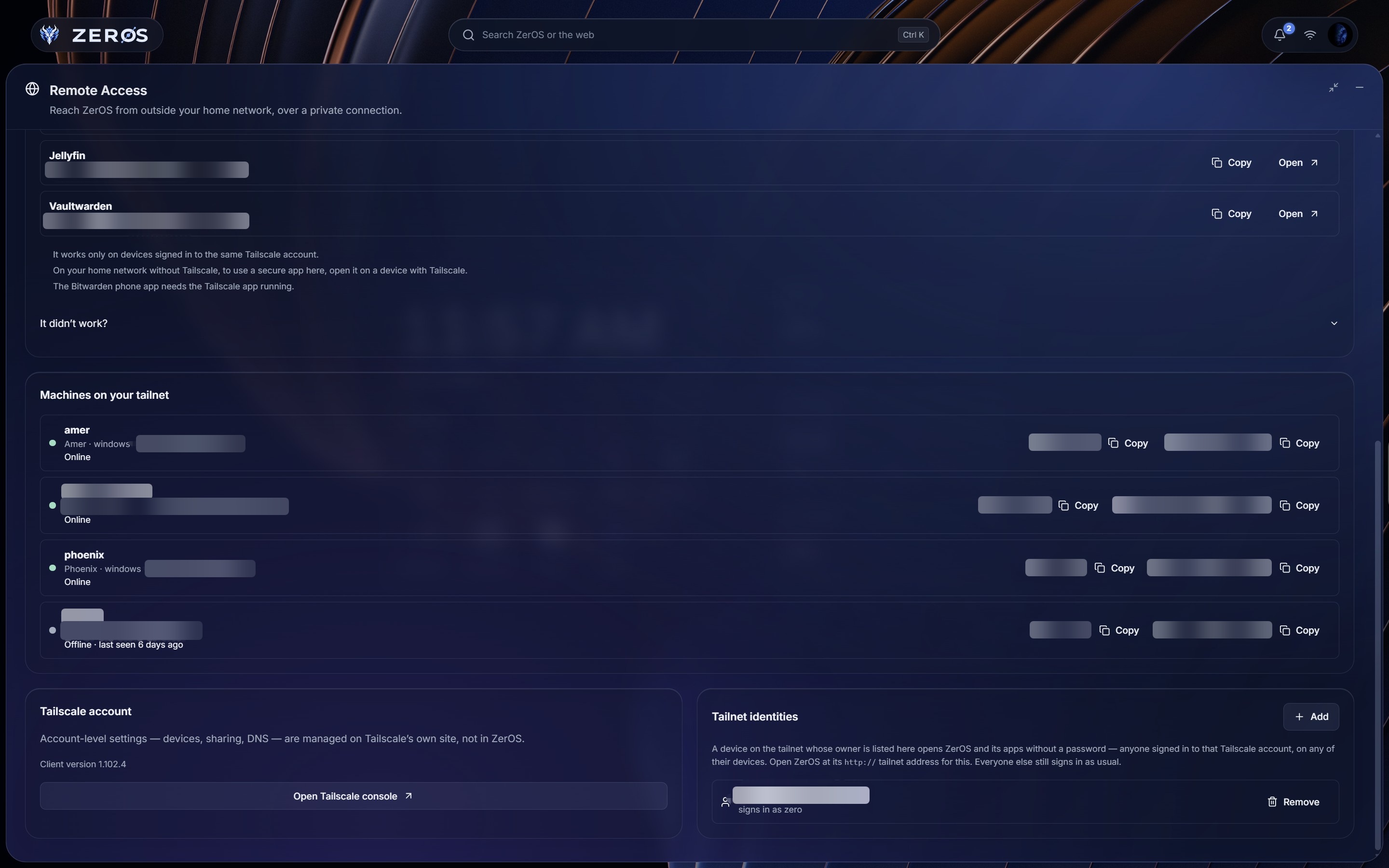 Your tailnet |
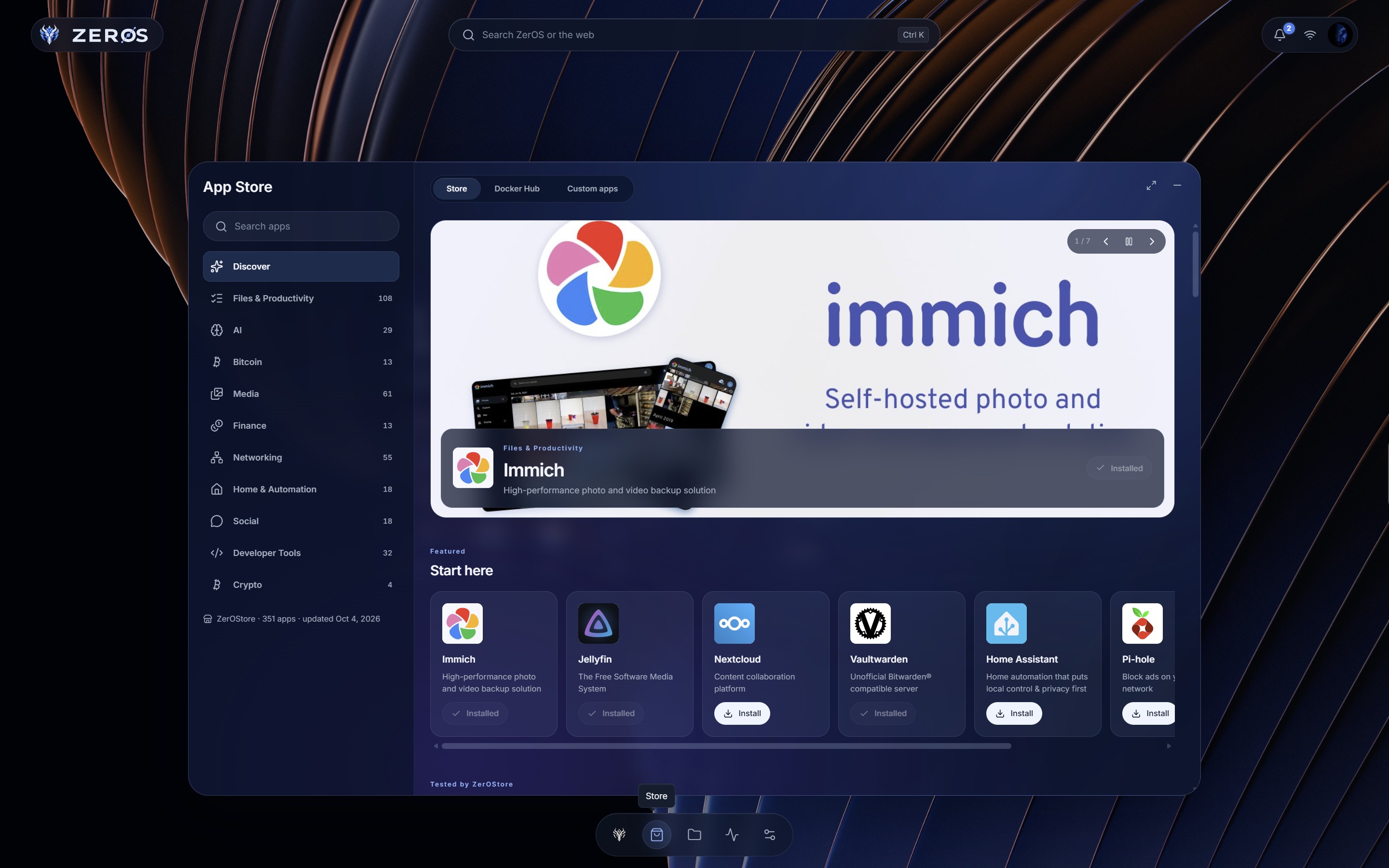 Store |
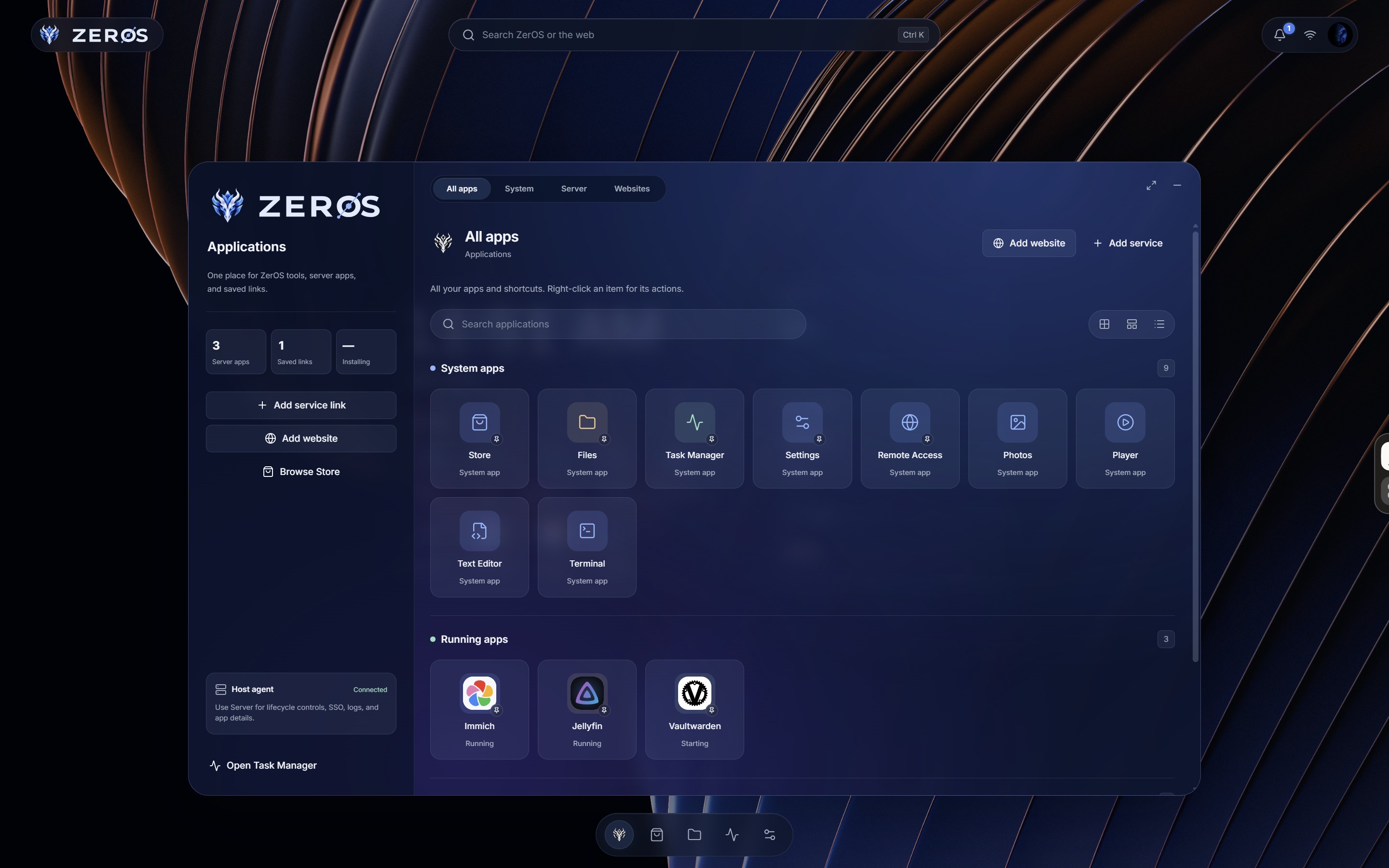 Applications |
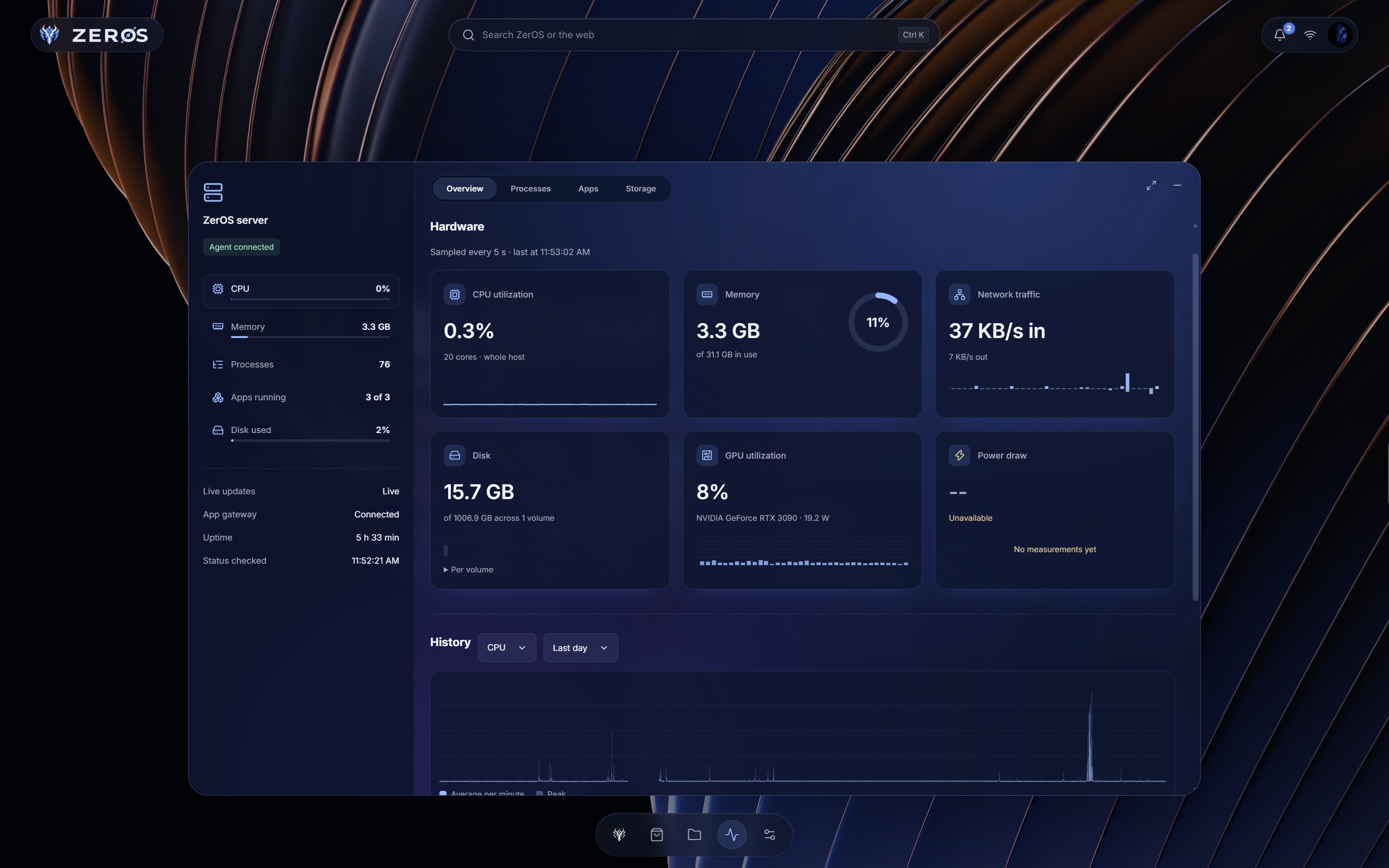 Task Manager |
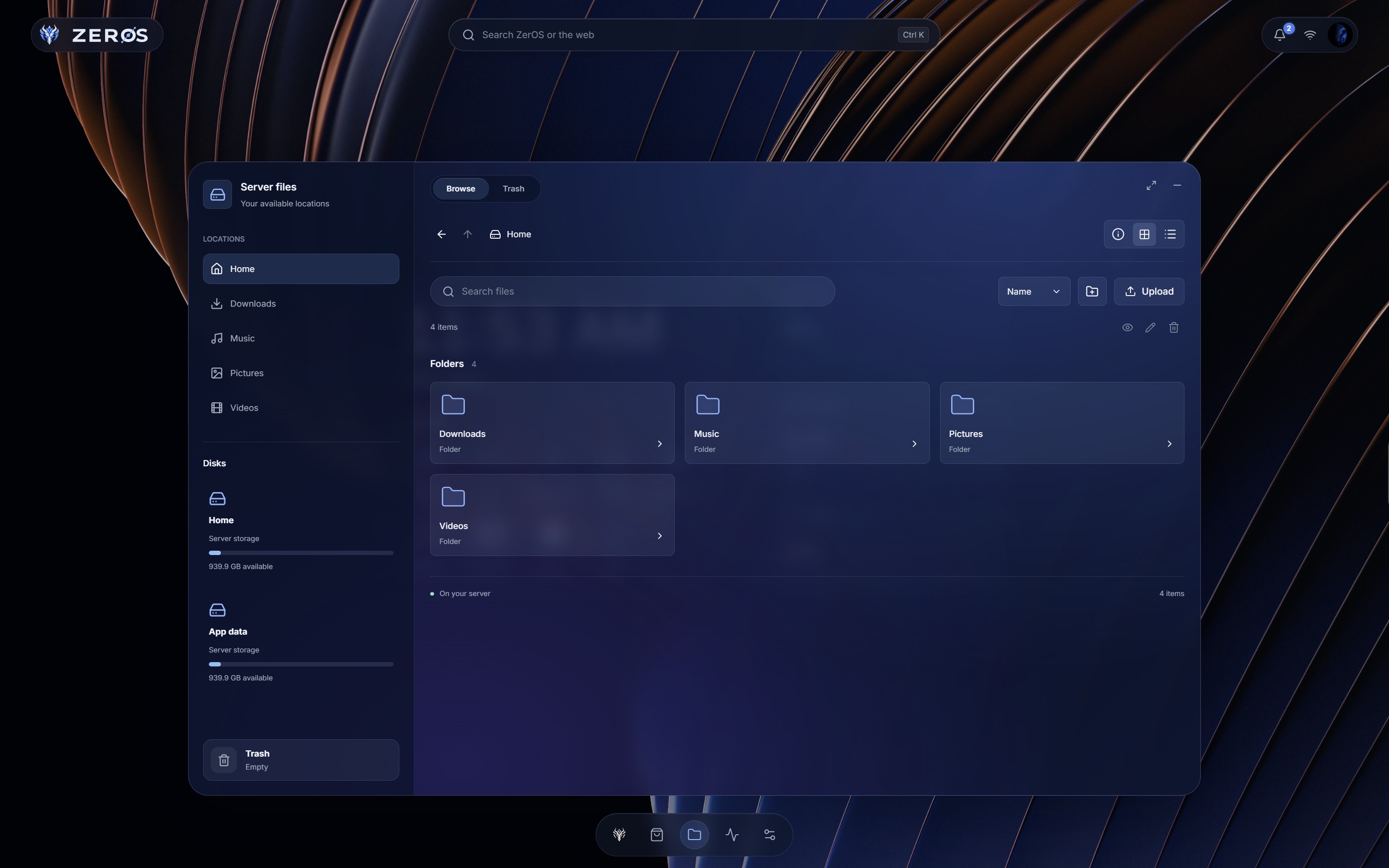 Files |
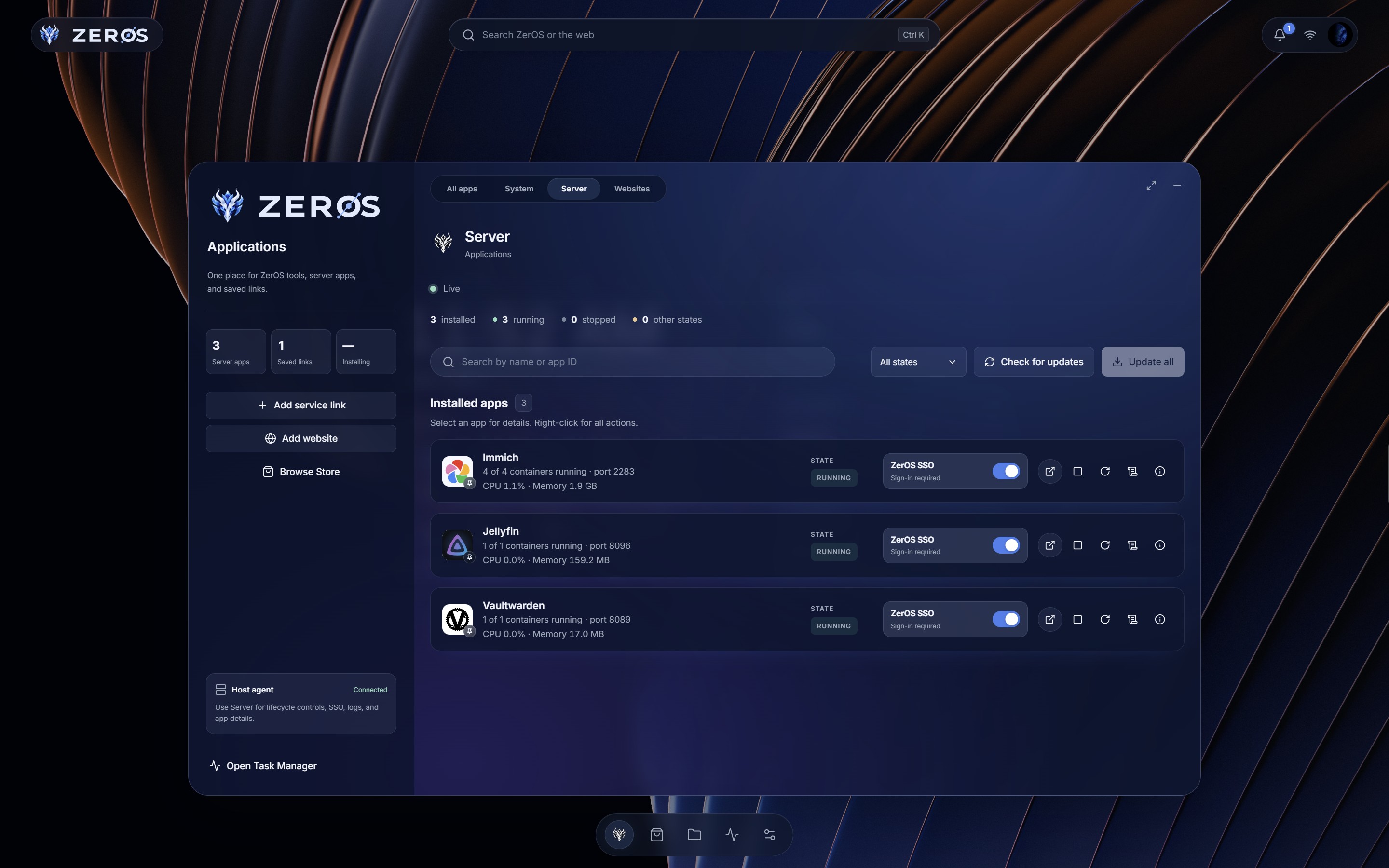 Server apps |
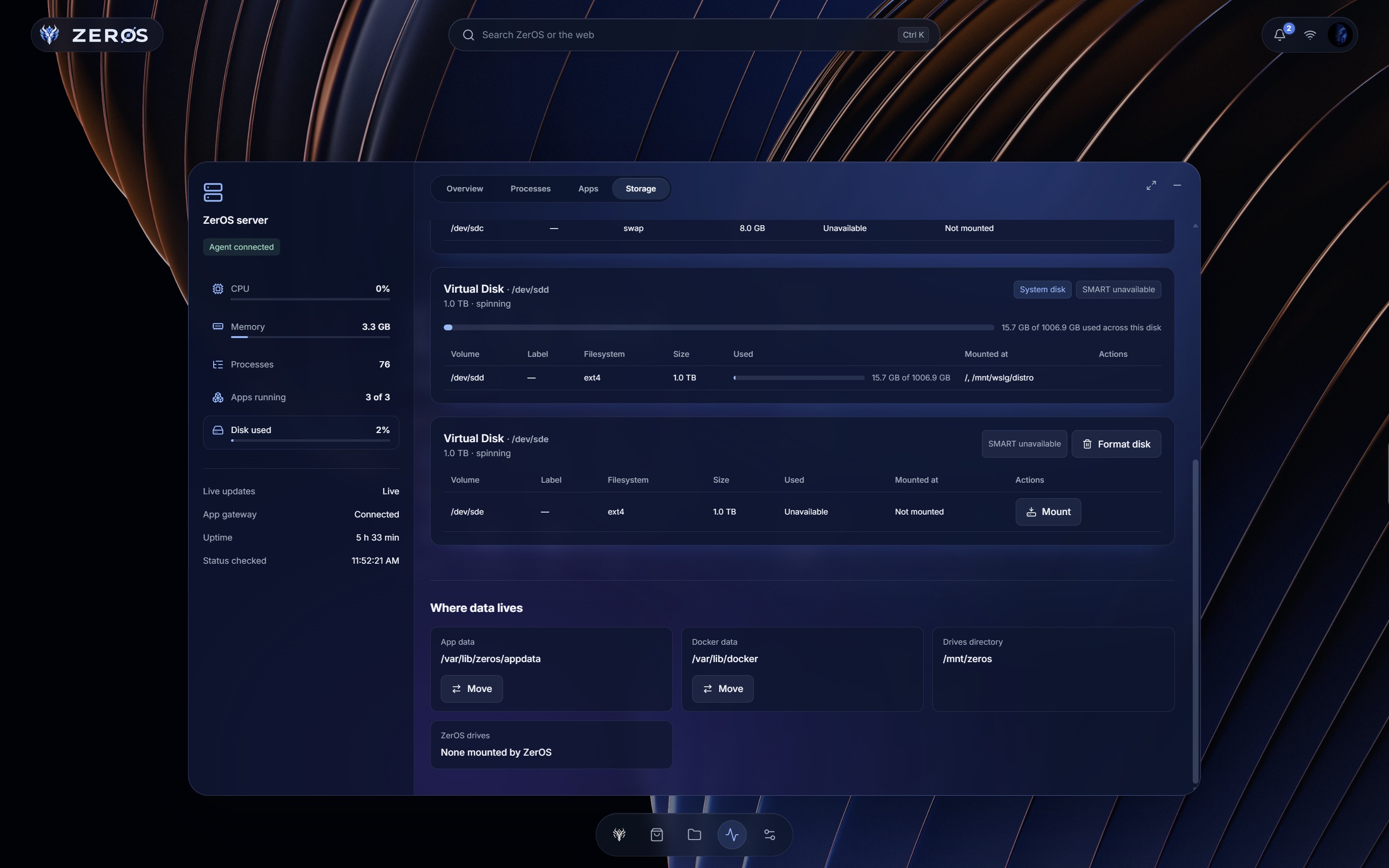 Storage |
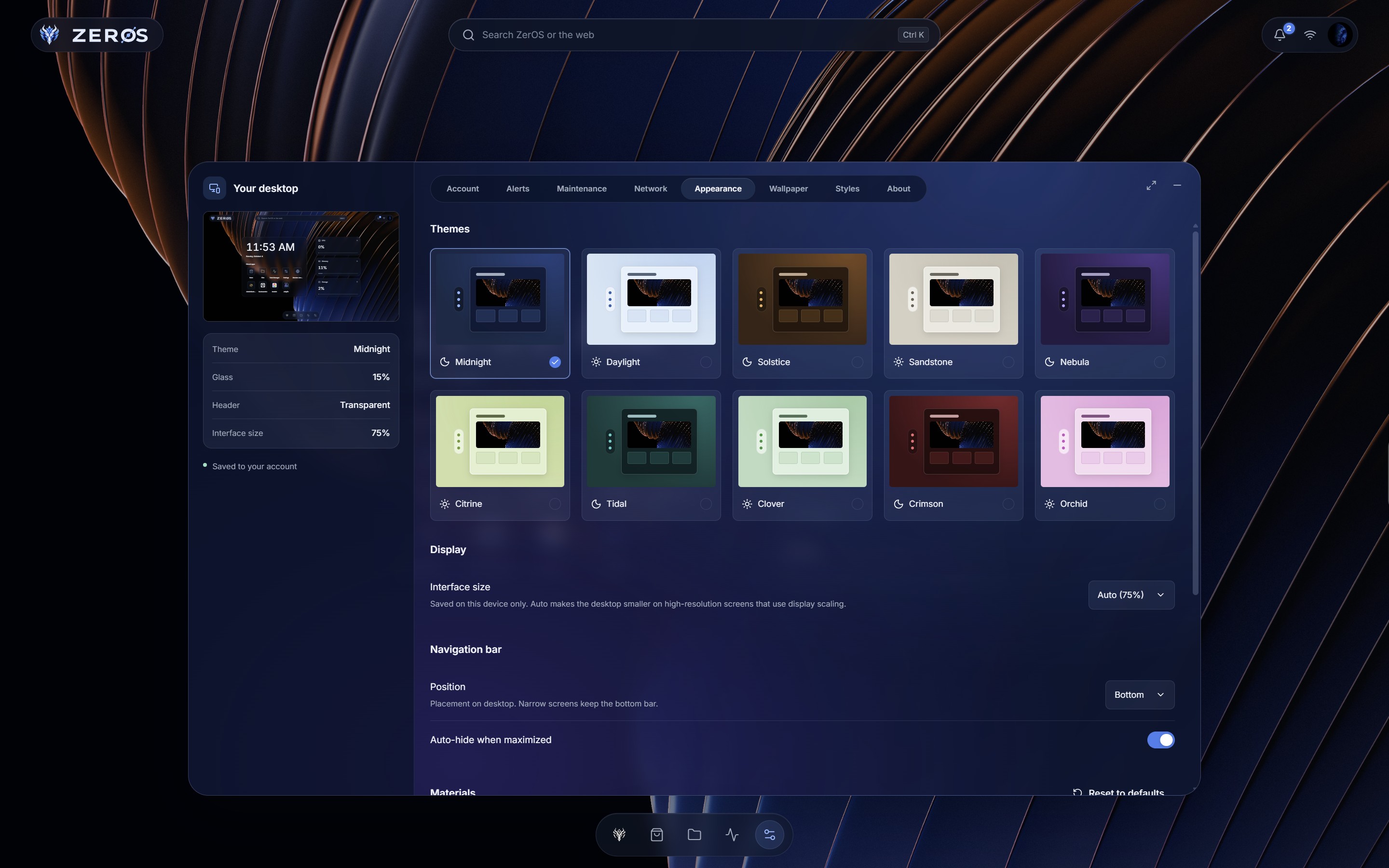 Themes |
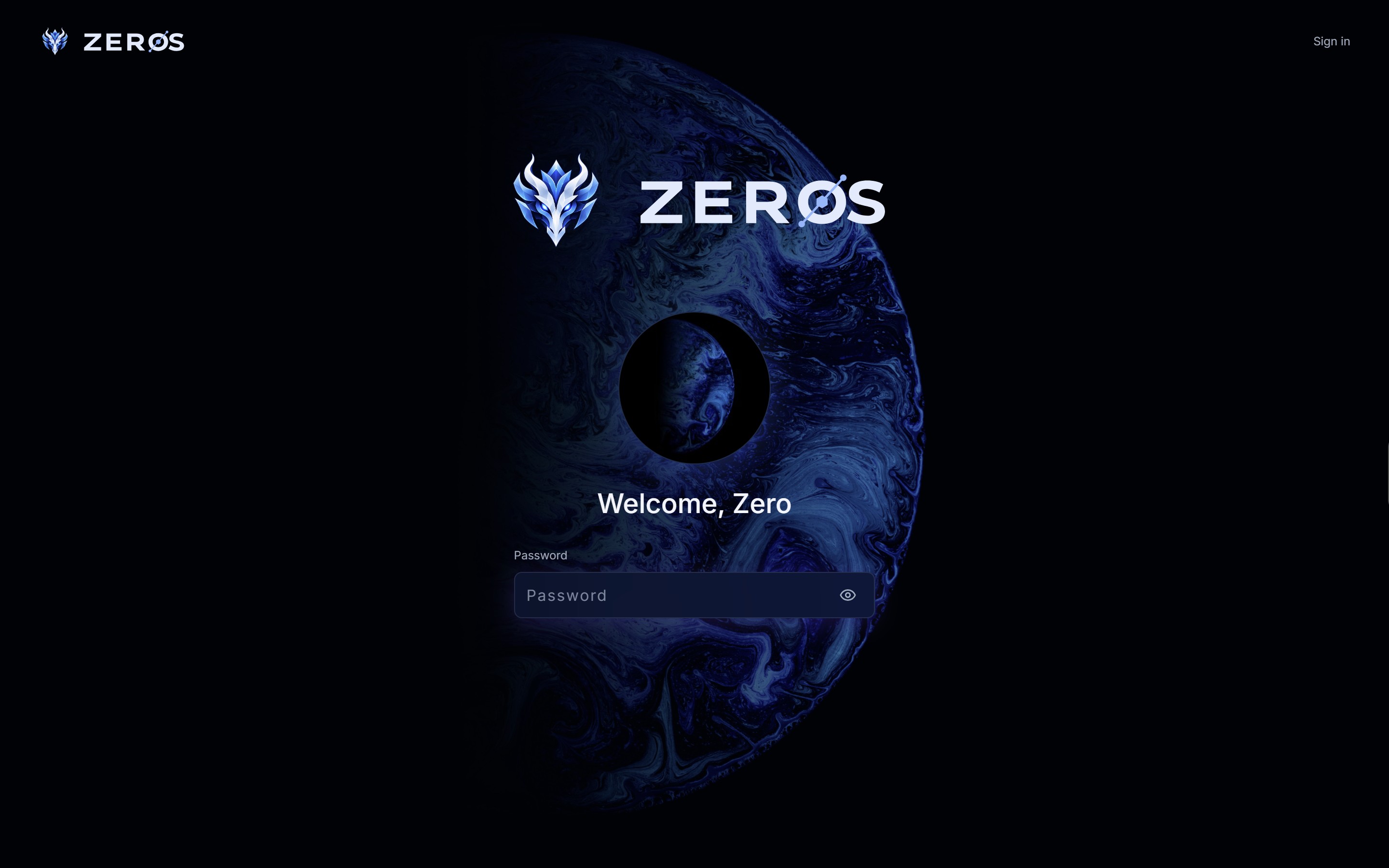 Sign-in |
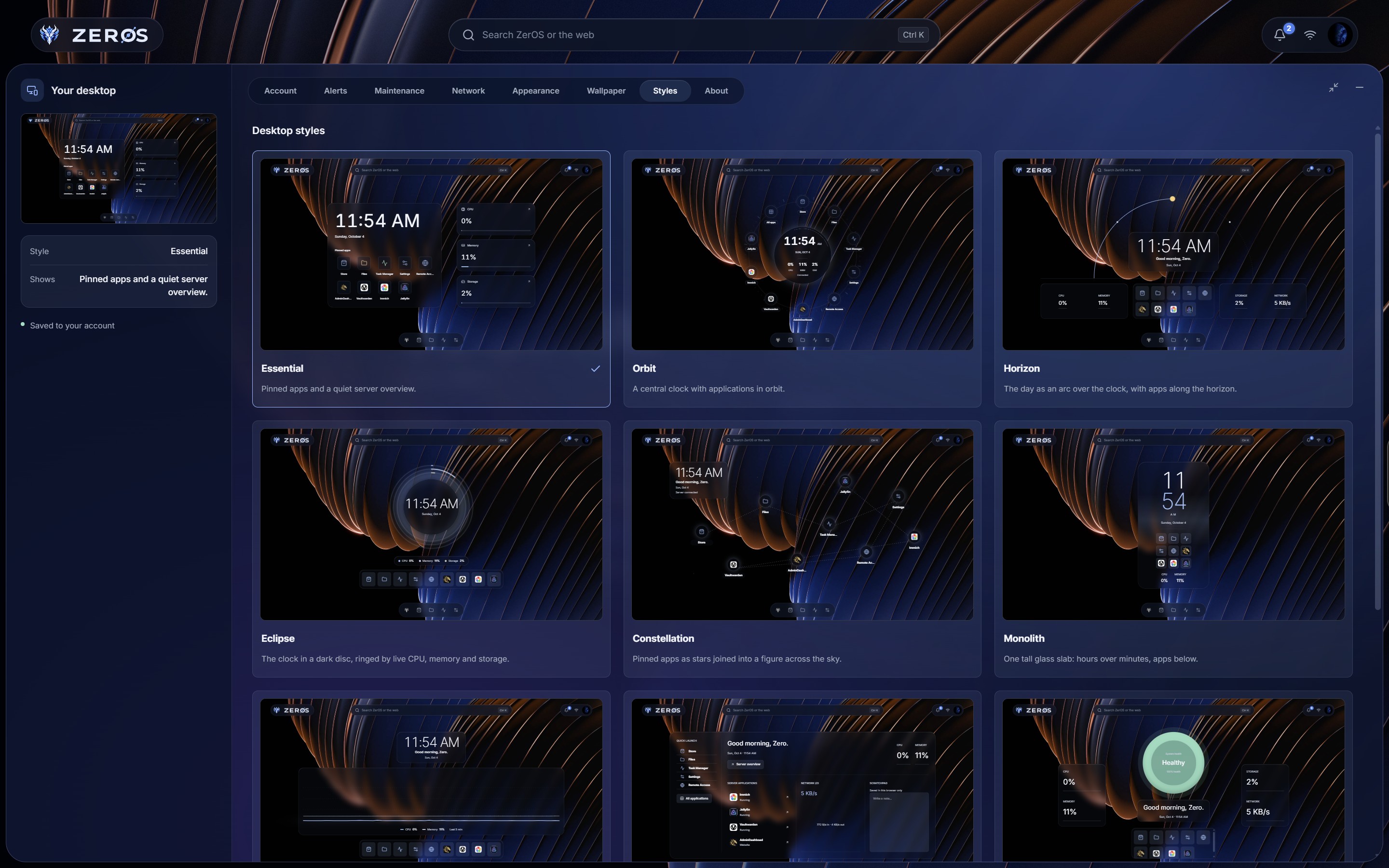
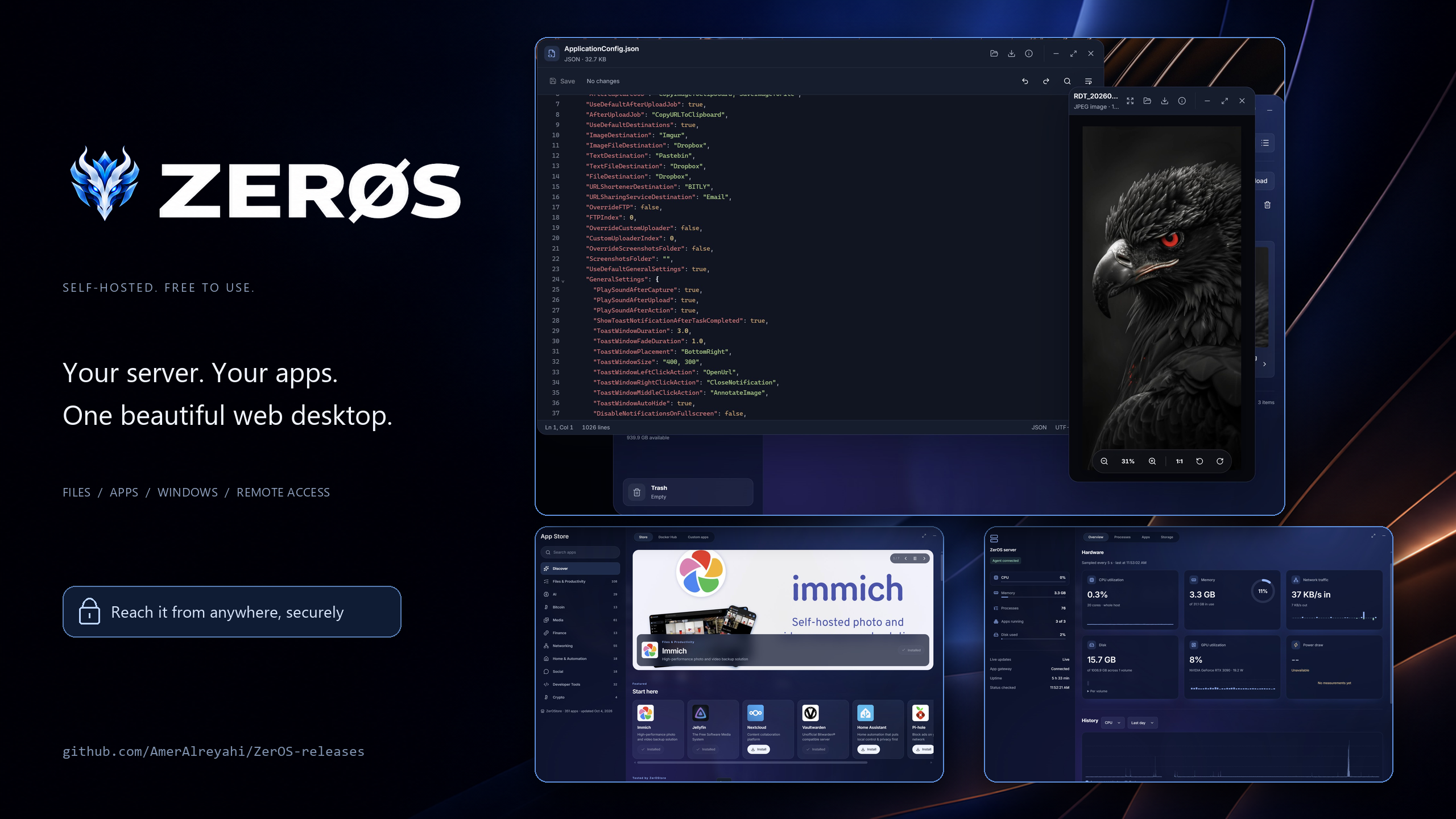
Updates: Settings → Maintenance updates ZerOS, your system and your apps. Every update is checked before it's installed, and if something goes wrong afterwards, ZerOS puts back the previous version by itself.
Backups: Settings → Backups copies your app data or any folder to another drive or folder, on a schedule, keeping as many versions as you choose.
Is it running? The installation guide lists the commands that show ZerOS's state, version and logs on the server.
ZerOS assumes any part of it that faces the network could one day have a bug, and makes sure no single bug can take over your machine.
| Least privilege | The API runs unprivileged in a read-only container with every Linux capability dropped and no Docker access. Only the host agent is root, and it runs fixed programs with fixed arguments, never a shell. |
| Apps can't see your session | Every app sits behind ZerOS's gateway, which strips ZerOS's cookies and identity headers before a request reaches it. |
| Review before install | Privileged containers, host access, devices and system mounts are spelled out and need your explicit yes; mounting ZerOS's own folders is refused outright. |
| Confined files | Every file operation stays inside your Home, your drives and app data, and cannot follow a link out. |
| Signed releases | ZerOS installs and updates only from releases signed with its key, and rolls back if a new version does not come up. |
| Accounts done right | A one-time setup token, Argon2id passwords, strict cookies, CSRF protection, slowed-down guessing and an audit log. |
| No open ports | Remote access goes through Tailscale's encrypted network; nothing is exposed to the internet. |
Read how ZerOS protects you, and what it does not do yet → · To report a security problem, see SECURITY.md.
| Why ZerOS | What makes ZerOS different, and the questions to ask any web OS for your server |
| Features | Everything ZerOS can do, area by area |
| Why you can trust ZerOS | Its security design, and its limits |
| Privacy | Every connection ZerOS makes, and what stays on your server |
| Installing ZerOS | Install, flash an image, check, repair and remove |
| FAQ | Questions people ask |
| Changelog | What changed in each version |
ZerOS is young and moves fast, with a tested release for every step. It runs on its creator's own server and is tested on Ubuntu 24.04 and Debian 12 on x86-64; the Raspberry Pi image has not yet been booted on a real Pi. What changed in each version is in the changelog.
ZerOS is free to install and use; its source code is not public. The terms are in LICENSE.md. The photographers and projects it builds on are credited in CREDITS.md.
ZerOS is created and maintained by Amer Zuher Alreyahi.