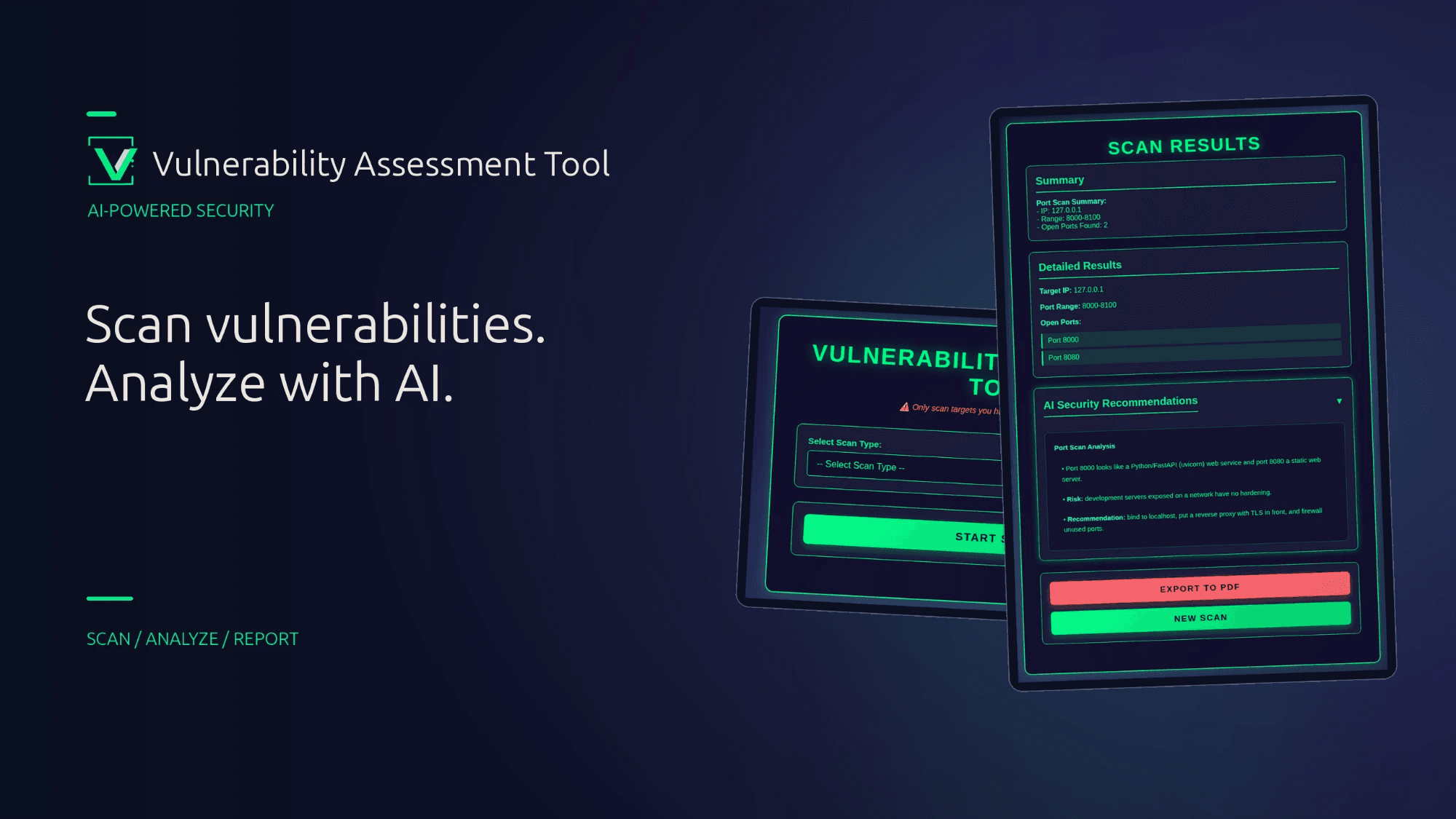
A web-based vulnerability assessment platform with AI-powered analysis and PDF reporting.
Vulnerability Assessment Tool combines network reconnaissance and web application testing in a single interface. Each scan is followed by an AI-generated analysis (Google Gemini) that explains the findings in plain language and recommends remediation. Results can be exported as a PDF report.
Legal notice: Only scan systems you own or have explicit written permission to test. Unauthorized scanning may be illegal.
| Capability | Description |
|---|---|
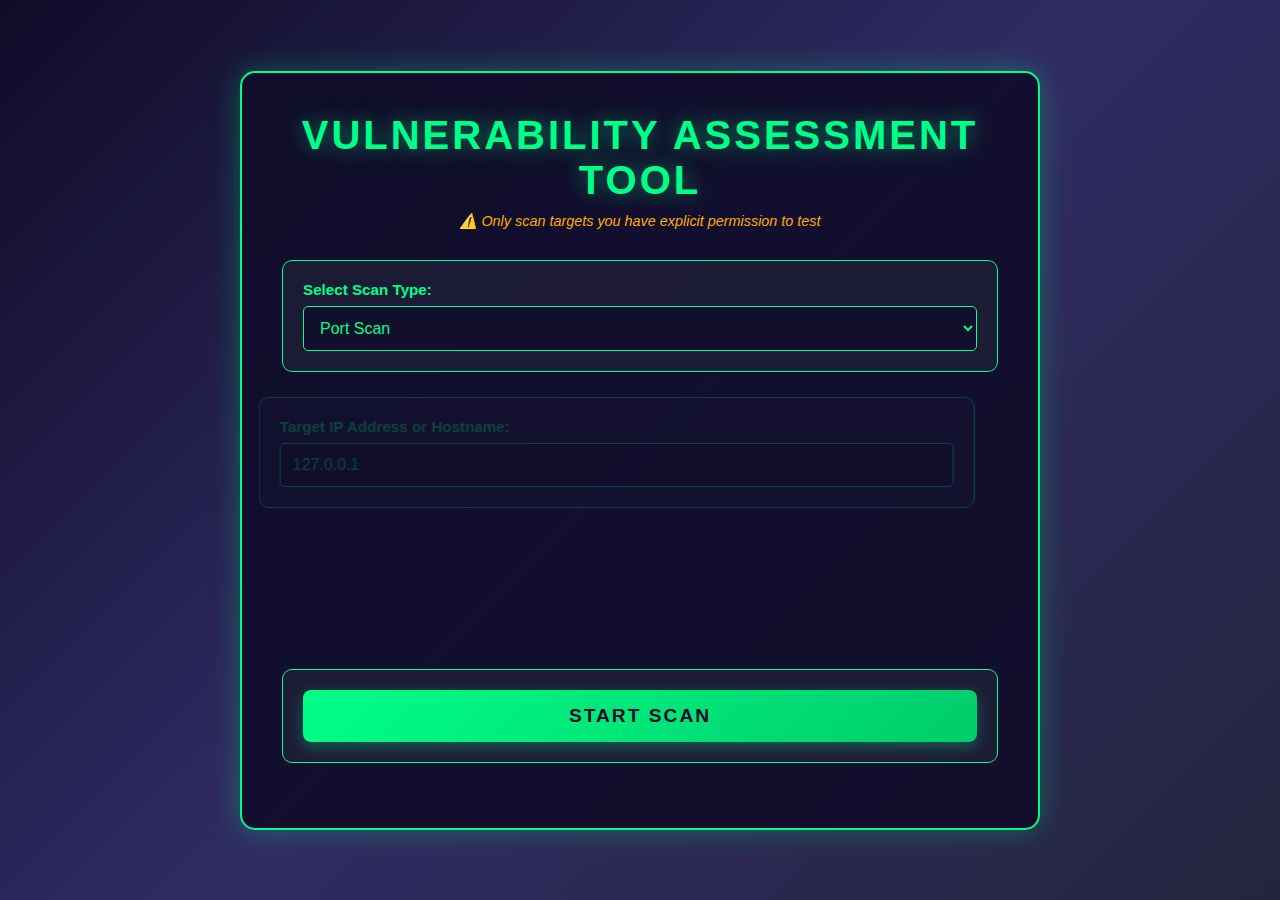
| Port Scan | Multi-threaded TCP scan of a host (IP or hostname) across a custom port range |
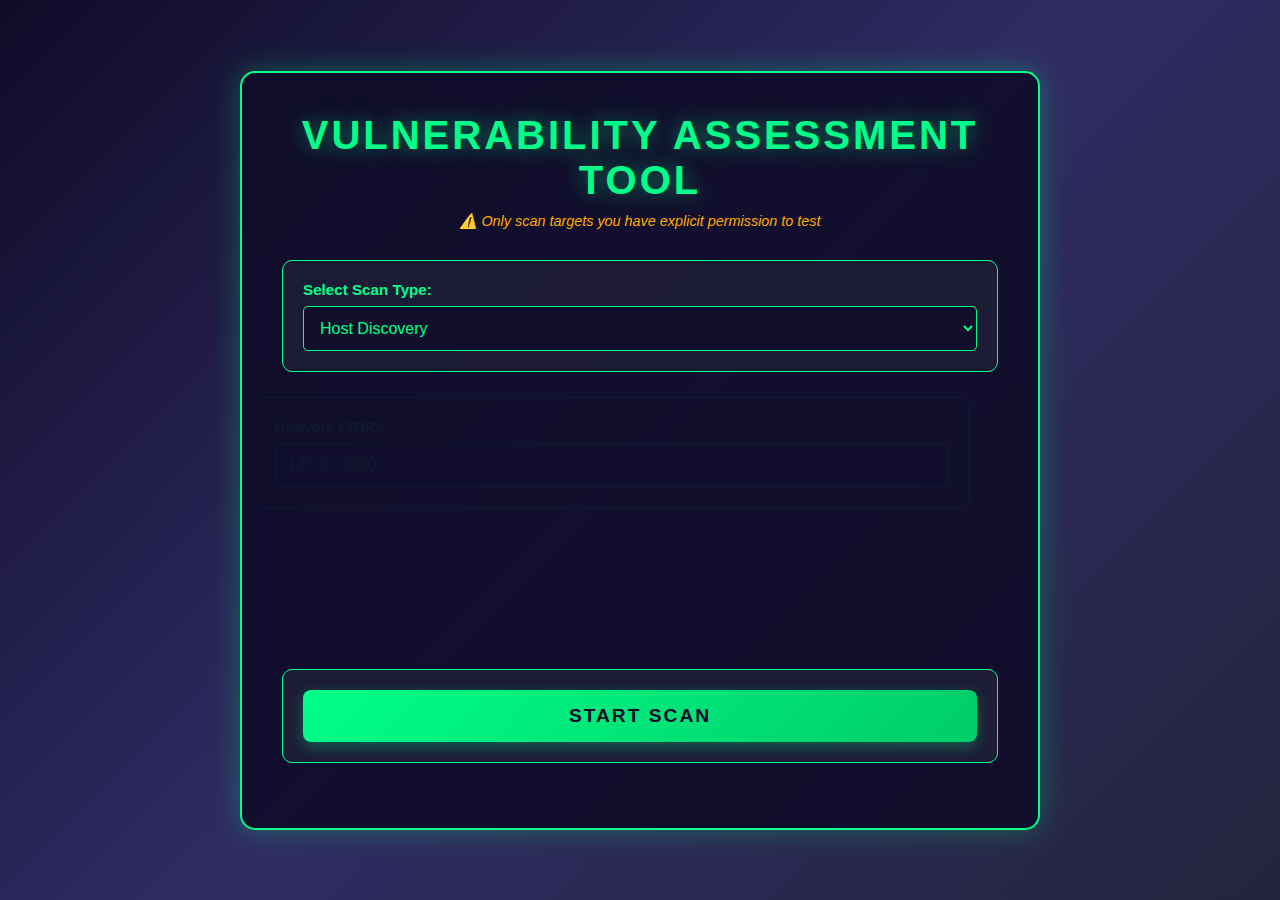
| Host Discovery | TCP sweep of a CIDR block to identify live hosts on a chosen probe port |
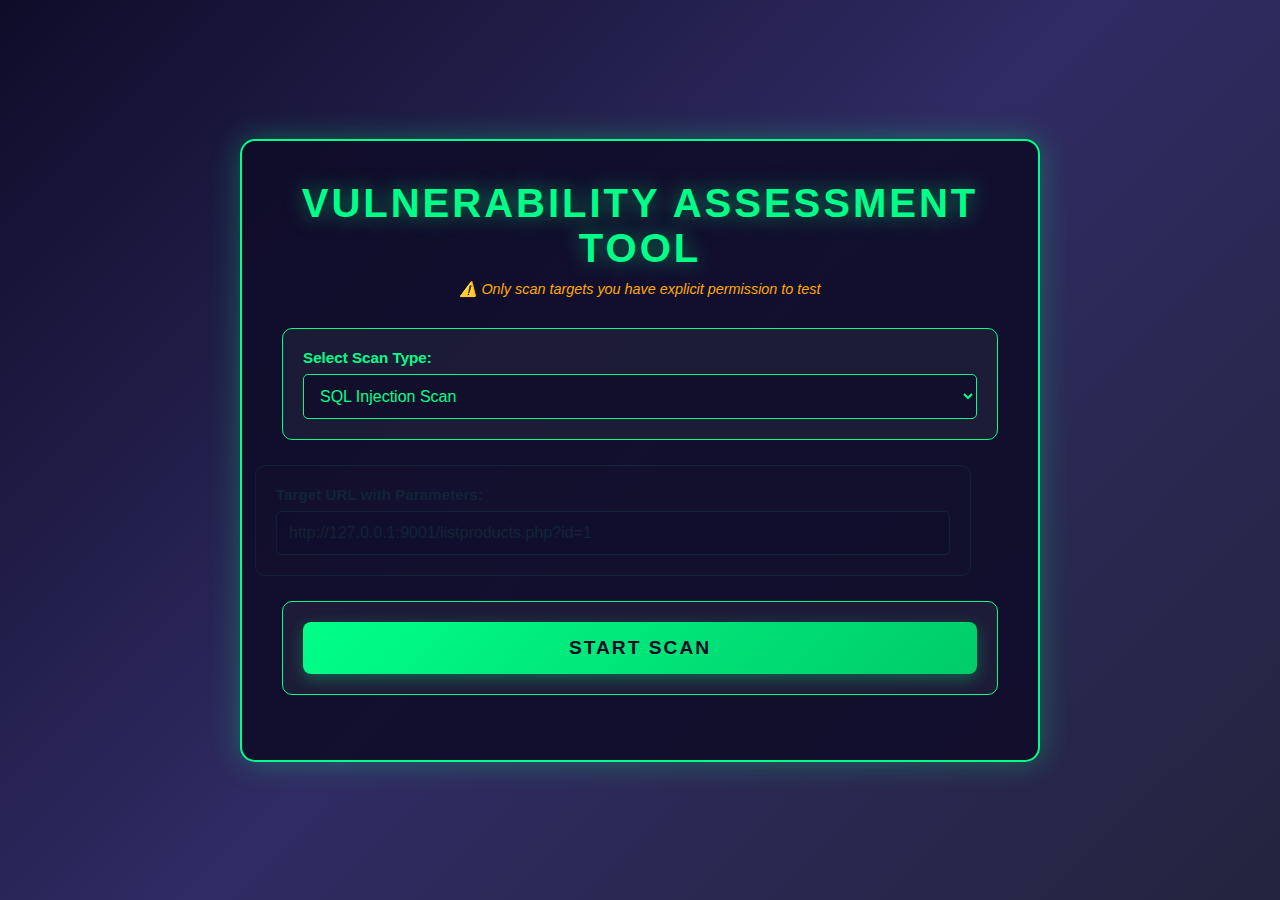
| SQL Injection Scan | Error-based, boolean-based and time-based detection against URL parameters |
| AI Analysis | Gemini-generated summary, risk assessment and remediation guidance for every scan |
| PDF Reports | Exportable, professionally formatted security assessment reports |
Home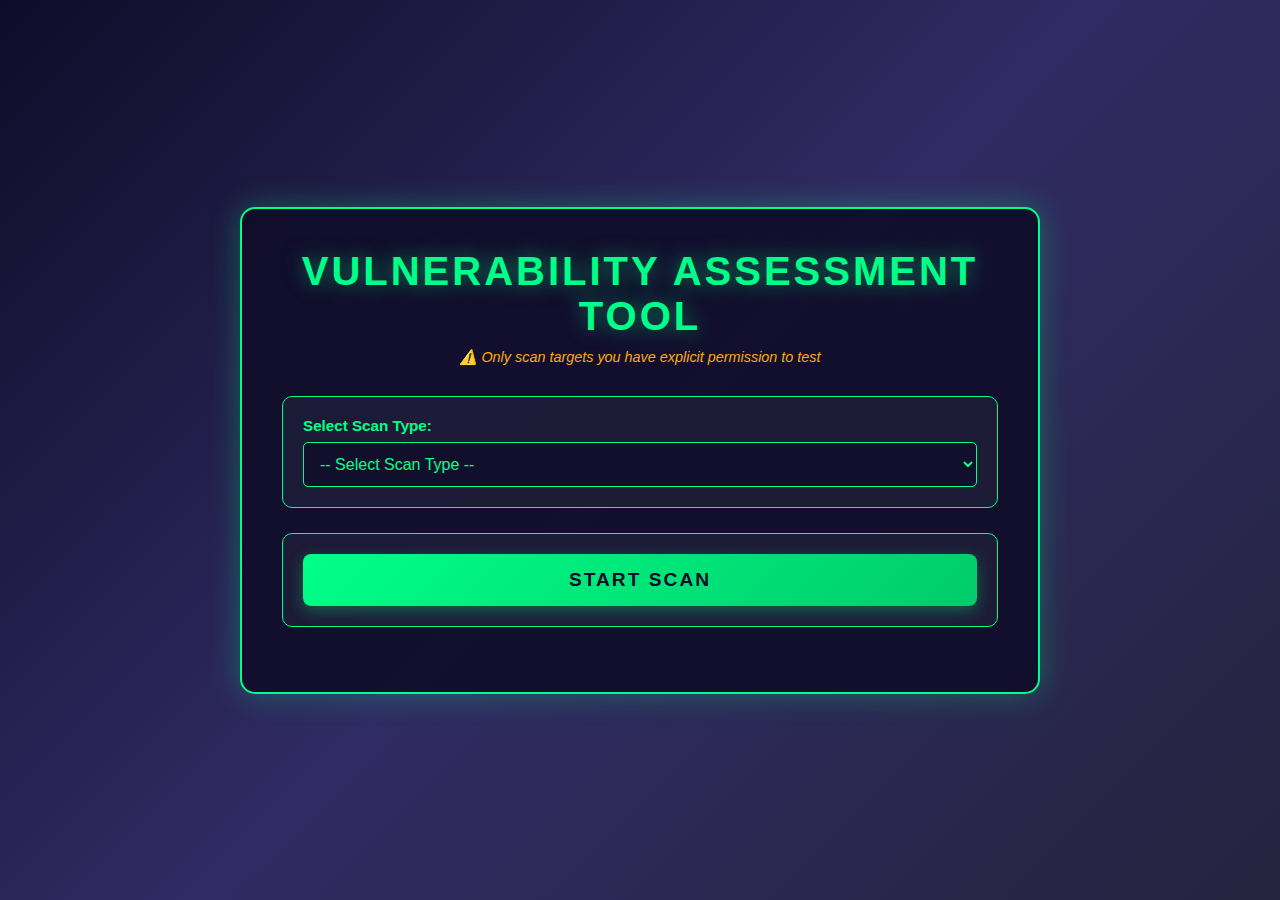 |
Port Scan Results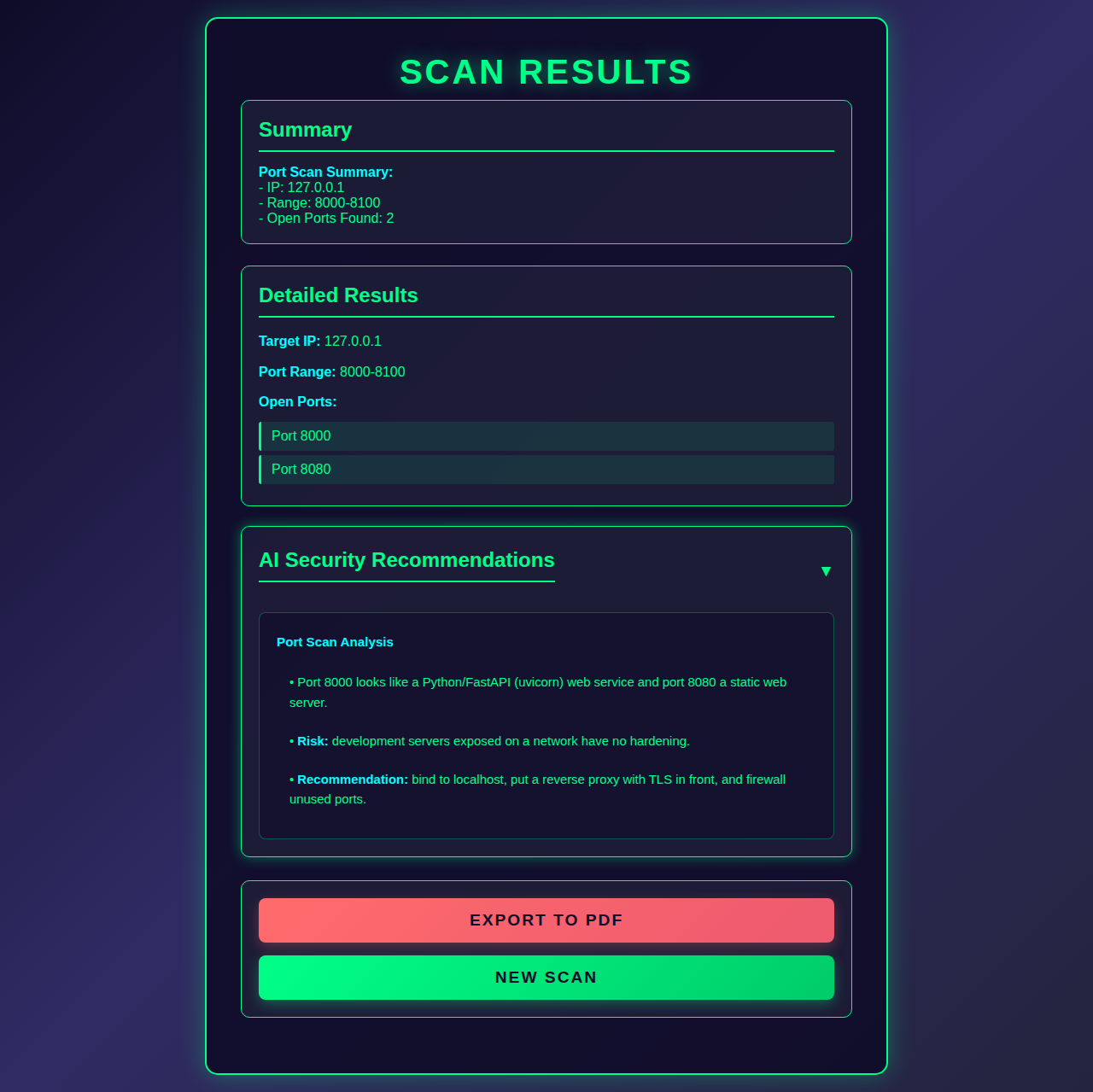 |
Host Discovery Results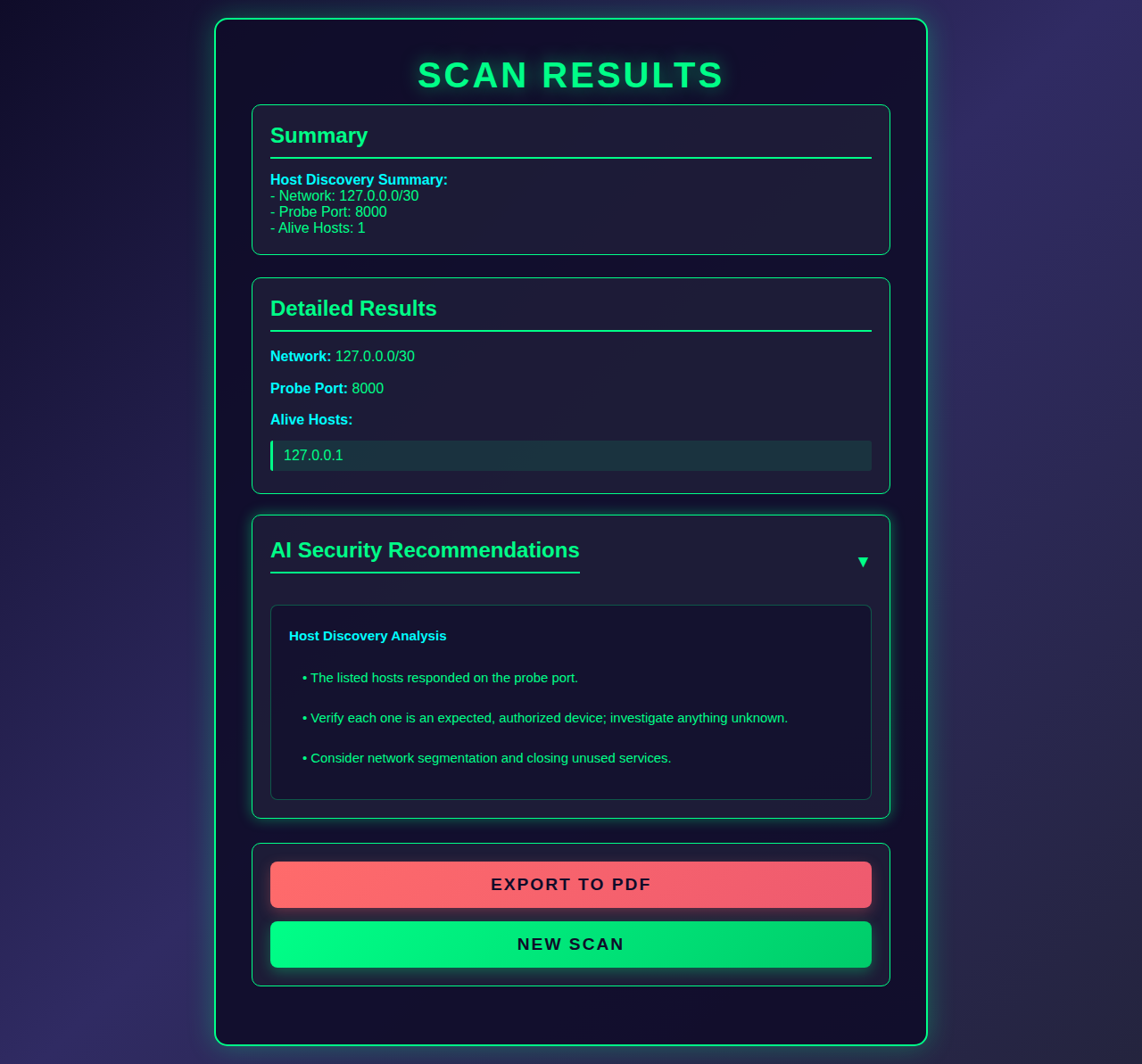 |
SQL Injection Results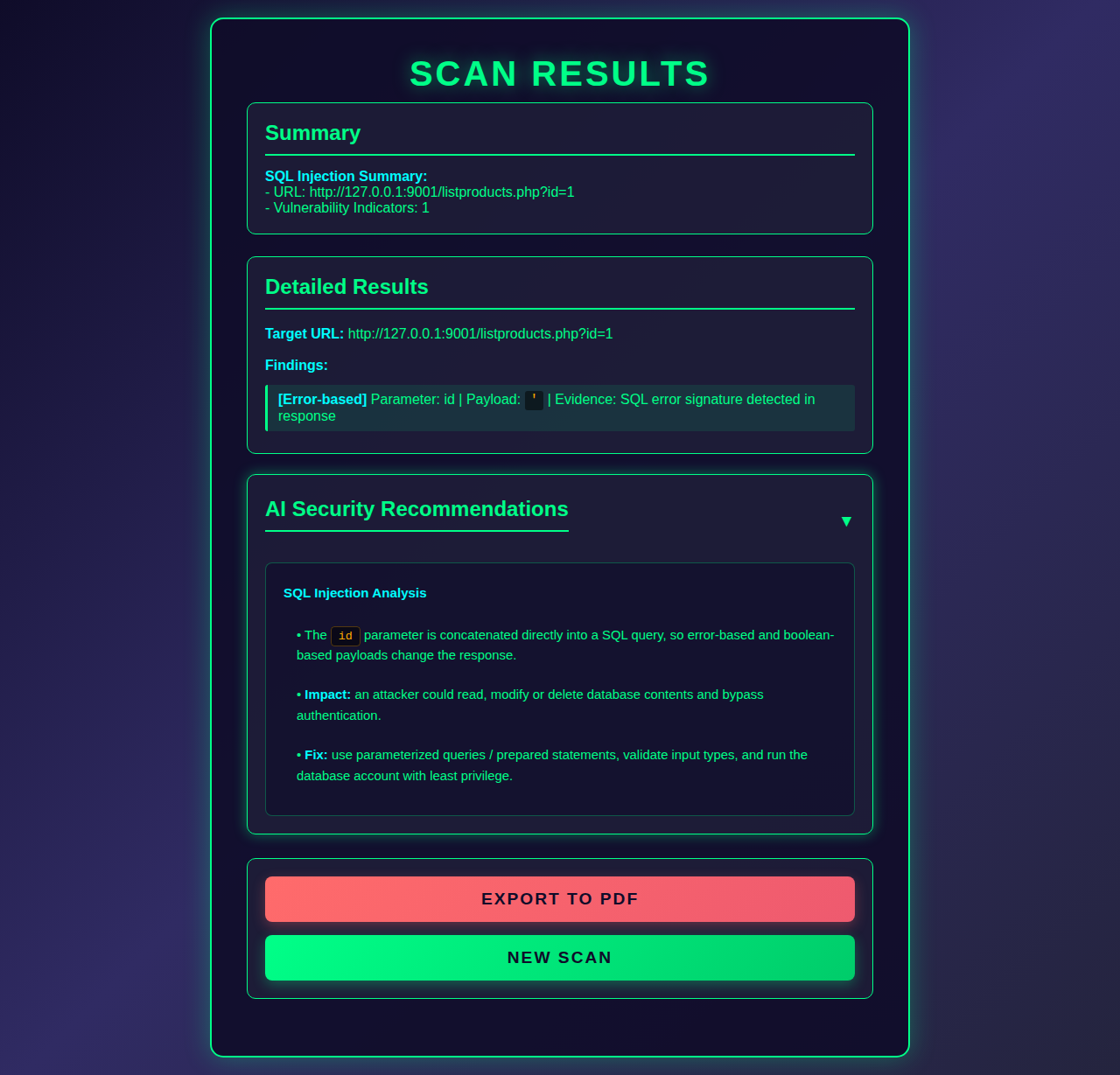 |
Input forms for each scan are also available in Gallery/.
Screenshots were captured without a live Gemini key; the AI recommendation text shown is placeholder output. Scan results are real. With a valid
GEMINI_API_KEY, the analysis is generated live.
.
├── backend/
│   ├── main.py                 # FastAPI app and routes
│   ├── config.py               # Settings, prompts, scanner and PDF configuration
│   ├── models/scan_models.py   # Pydantic request/response schemas
│   ├── scanners/
│   │   ├── port_scan.py        # Port scanning
│   │   ├── host_discovery.py   # Host discovery
│   │   └── sqli_scan.py        # SQL injection testing
│   ├── services/
│   │   ├── ai_analyzer.py      # Gemini integration
│   │   └── pdf_generator.py    # PDF report generation
│   └── reports/                # Generated reports
├── frontend/                   # Static UI (HTML, CSS, vanilla JS)
├── Gallery/                    # Screenshots
├── assets/                     # Logo and poster
└── requirements.txt
- Python 3.8 or later
- A Google AI Studio API key (for AI analysis)
git clone https://github.com/AmerZuher/Vulnerability-Assesment-Tool.git
cd Vulnerability-Assesment-Tool
pip install -r requirements.txtCreate backend/.env:
GEMINI_API_KEY=your_api_key_herecd backend
python main.pyThe API is served at http://127.0.0.1:8000 (interactive docs at /docs).
In a second terminal:
cd frontend
python -m http.server 8080
Open http://localhost:8080.
-
Select a scan type.
-
Enter the target details:
Scan Input Example Port Scan Host, port range 192.168.1.1,20-100Host Discovery CIDR, probe port 192.168.1.0/24,80SQL Injection URL with parameters http://testphp.vulnweb.com/listproducts.php?cat=1 -
Click START SCAN.
-
Review the results and AI recommendations, then optionally EXPORT TO PDF.
| Method | Endpoint | Description |
|---|---|---|
GET |
/api/health |
Service health check |
POST |
/api/port-scan |
Run a port scan |
POST |
/api/host-discovery |
Run host discovery |
POST |
/api/sqli-scan |
Run a SQL injection scan |
POST |
/api/generate-pdf |
Generate and download a PDF report |
Example:
curl -X POST http://127.0.0.1:8000/api/port-scan \
  -H "Content-Type: application/json" \
-d '{"ip": "127.0.0.1", "port_range": "20-100"}'Backend settings live in backend/config.py: host and port, CORS origins, scanner timeouts and worker counts, the Gemini model, and AI prompts. The frontend API URL is set in frontend/config.js (API_BASE_URL).
- Backend: Python, FastAPI, Uvicorn, Pydantic, Requests
- AI: Google Gemini (
google-genai) - Reporting: ReportLab
- Frontend: HTML, CSS, vanilla JavaScript
This tool is intended for authorized security testing and educational use only. The authors accept no liability for misuse.
Released under the MIT License.